Maintenance- Change Settings
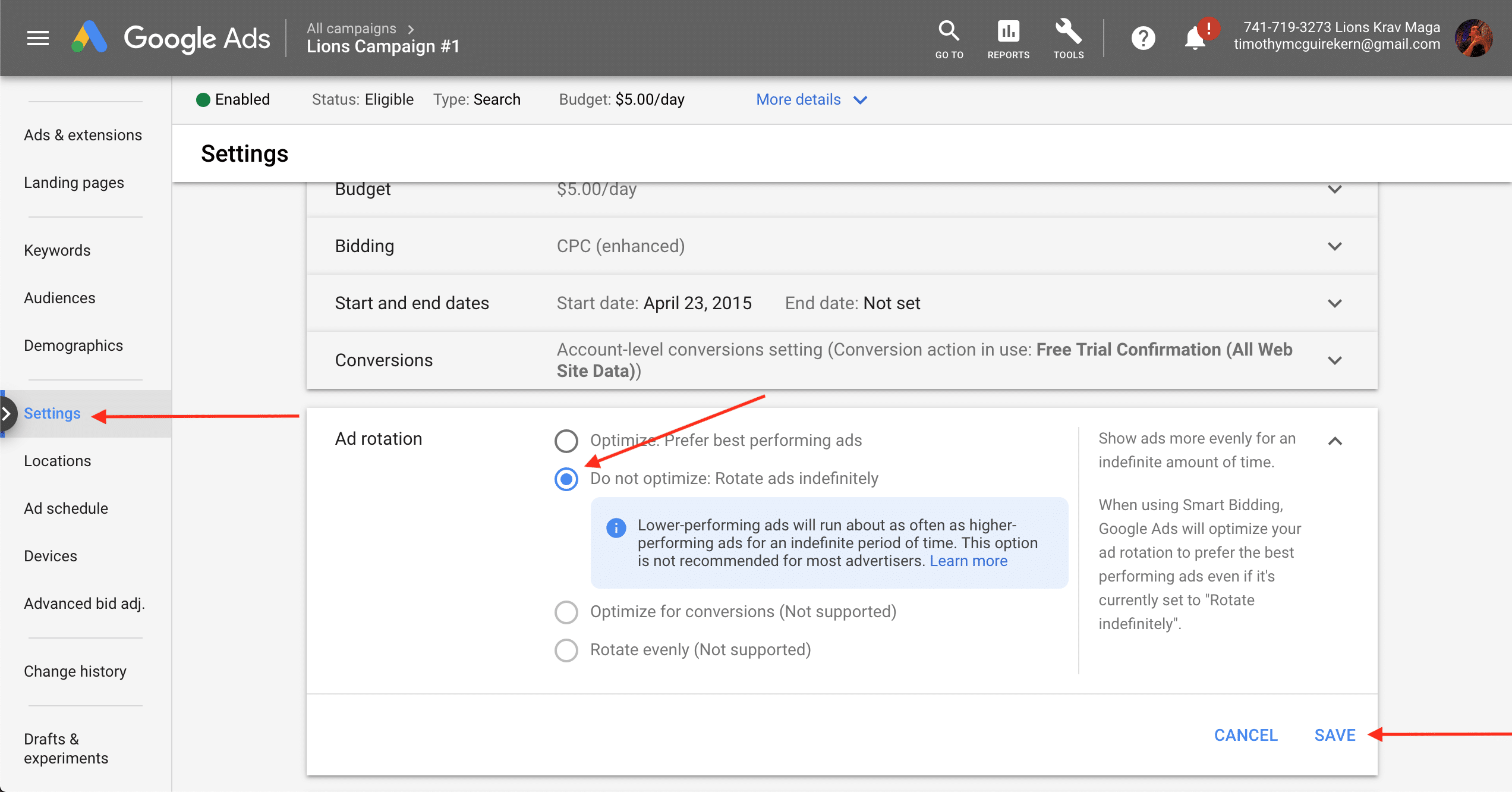
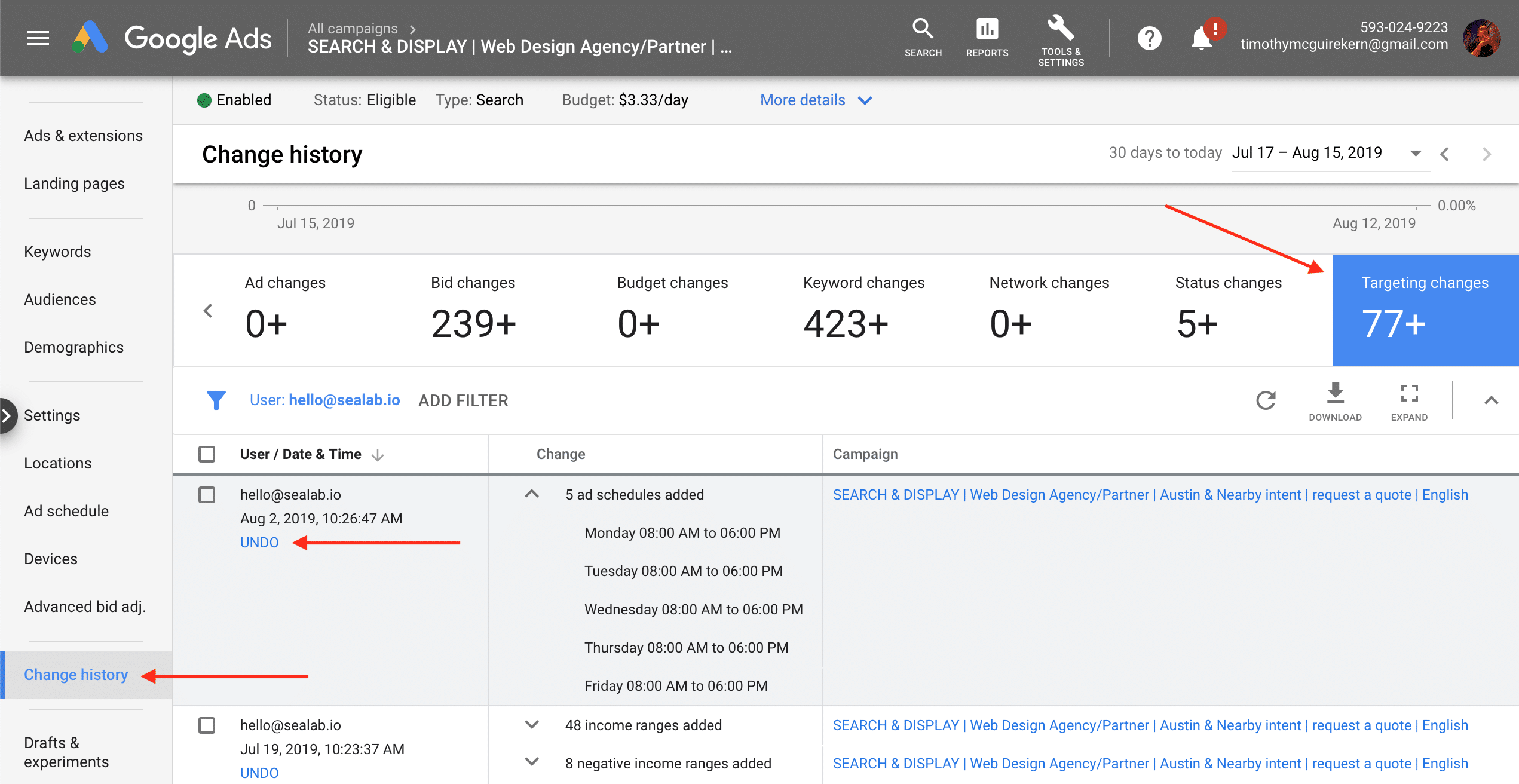
Settings can increase conversions and ROI, but poor choices can be catastrophic. Planning will flesh out which are successful (conversions ↑ or CPA ↓), and use the undo button in Change history if results deteriorate. Optimize settings about once a month by adding, pausing, or making bid adjustments (which alter keyword bids for a setting by a %).
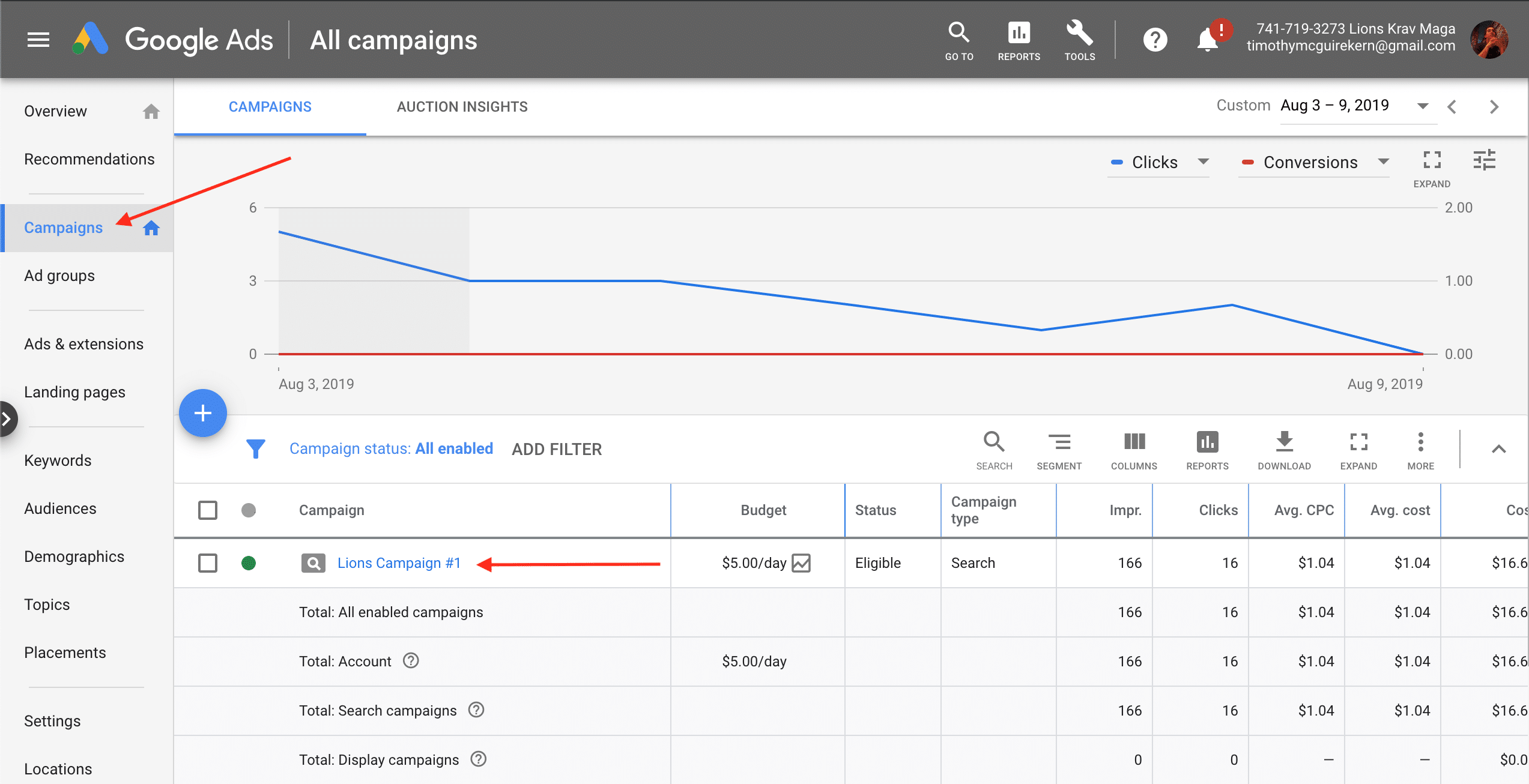
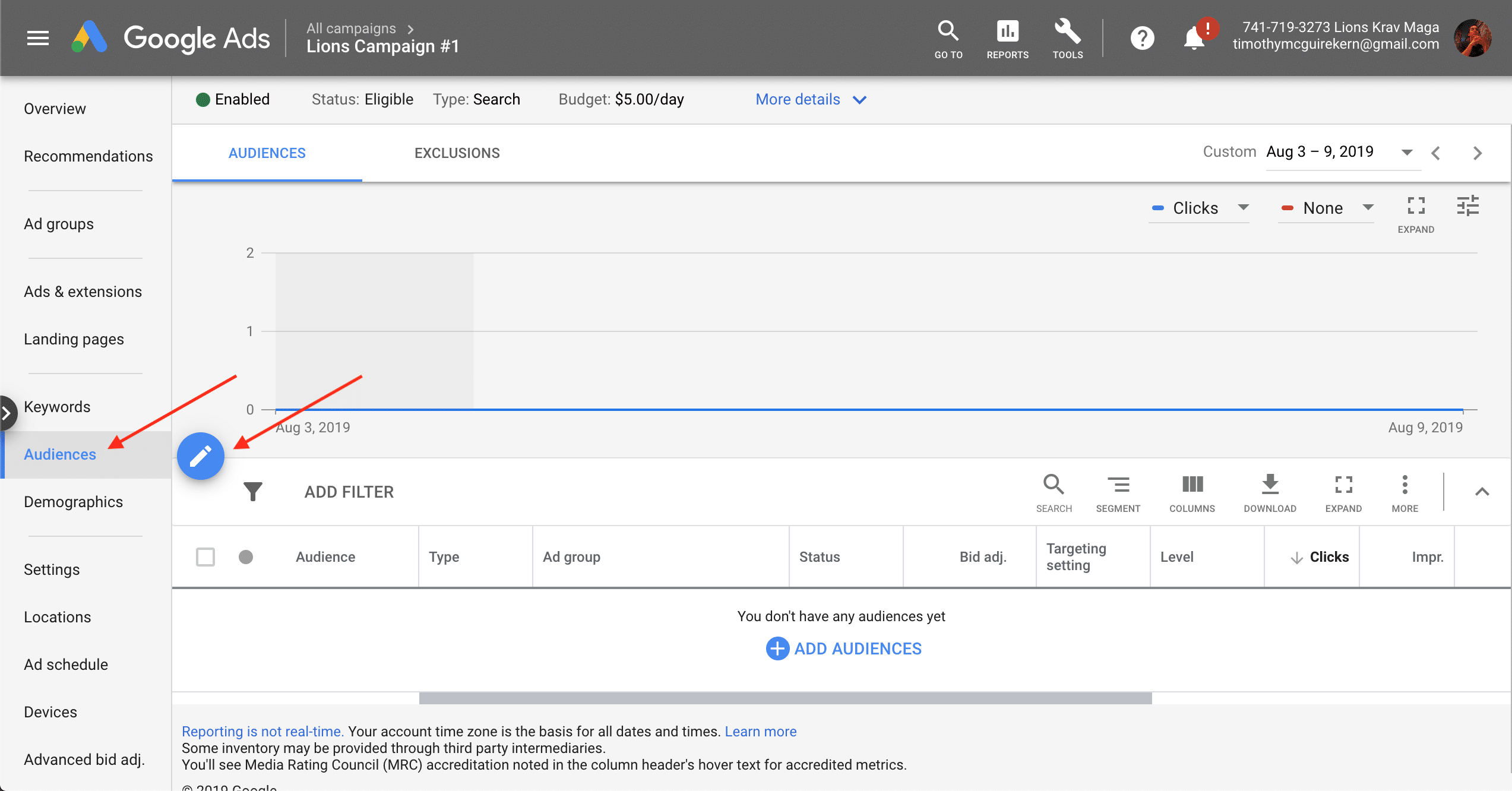
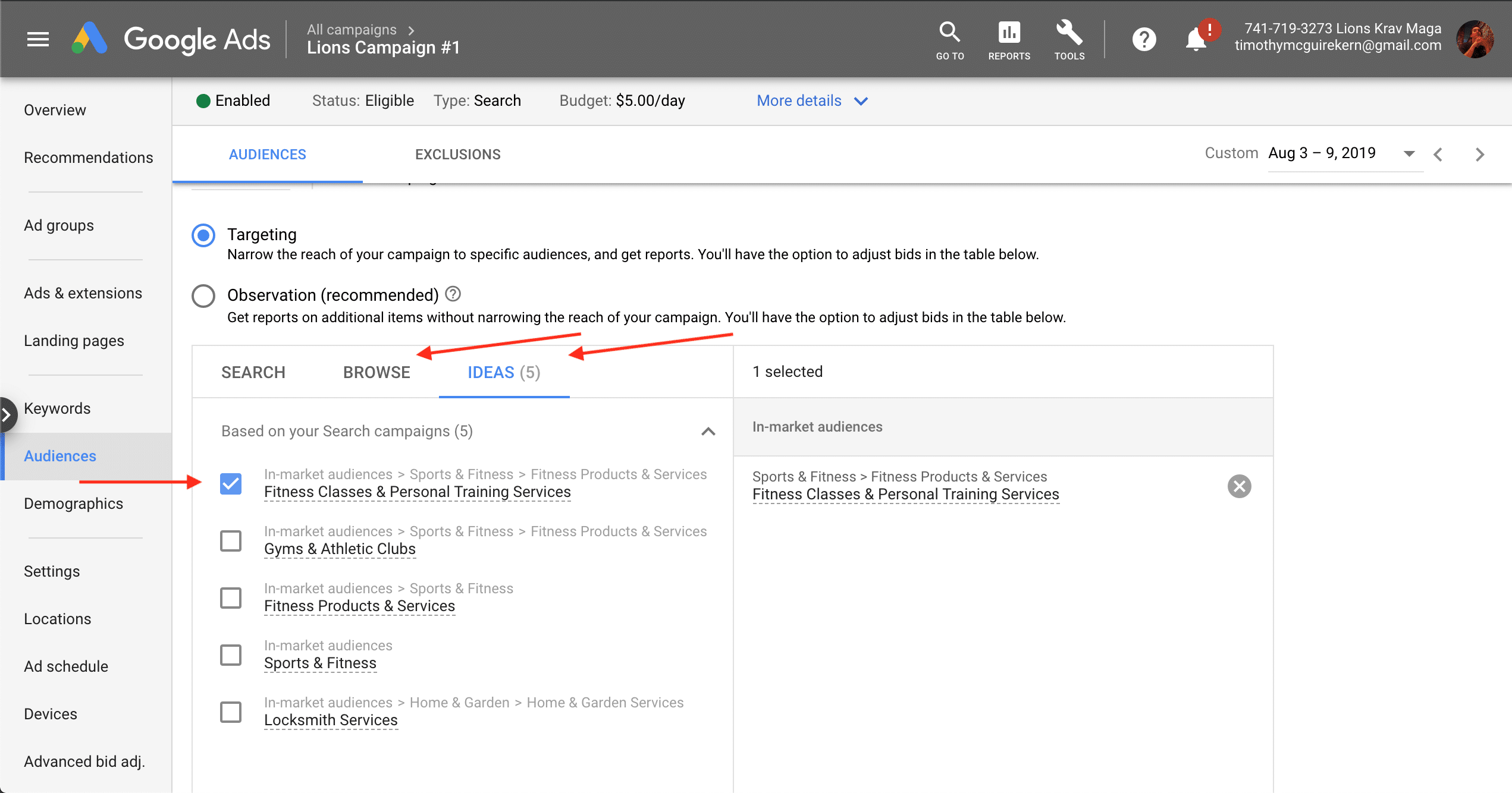
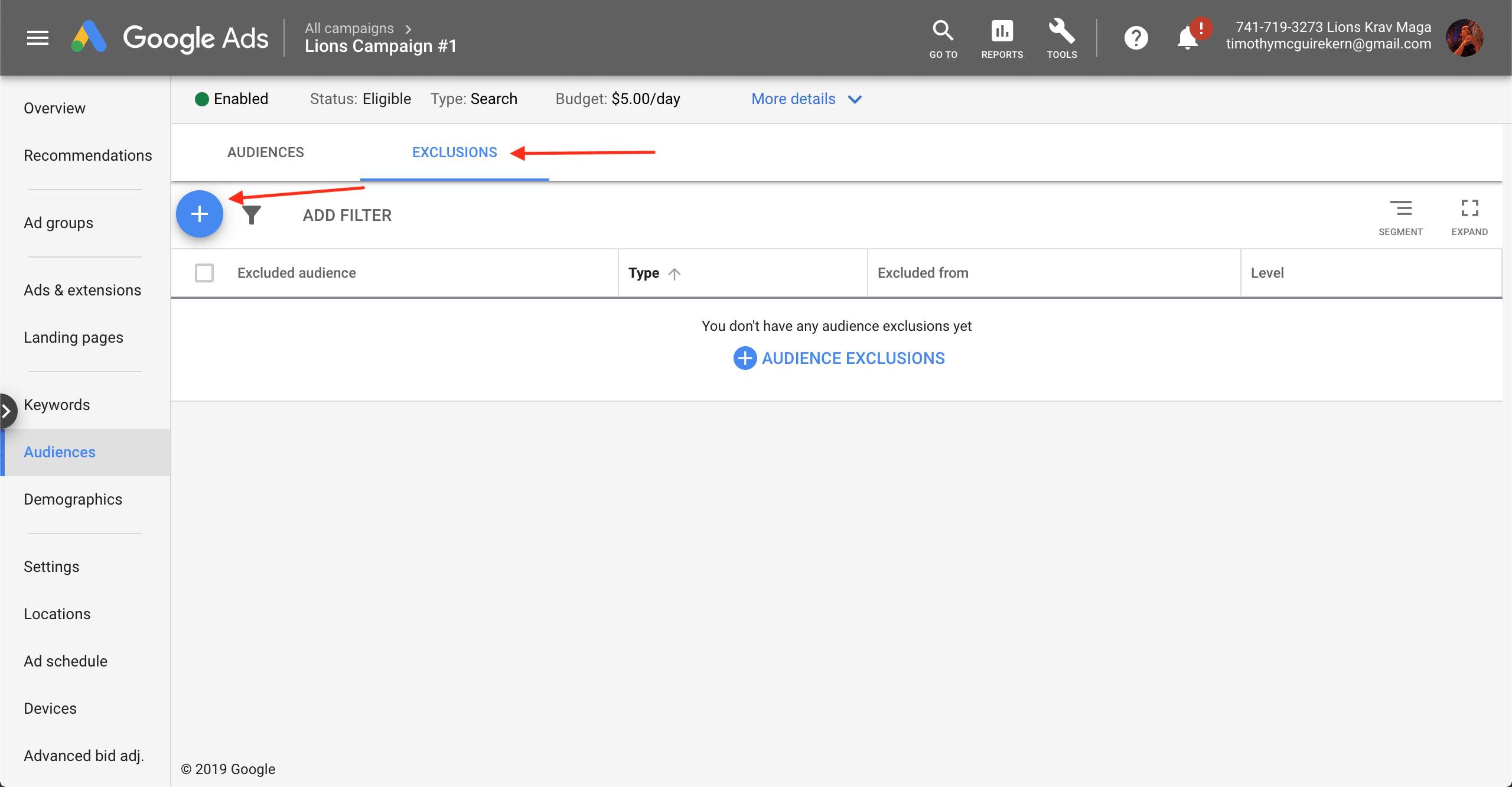
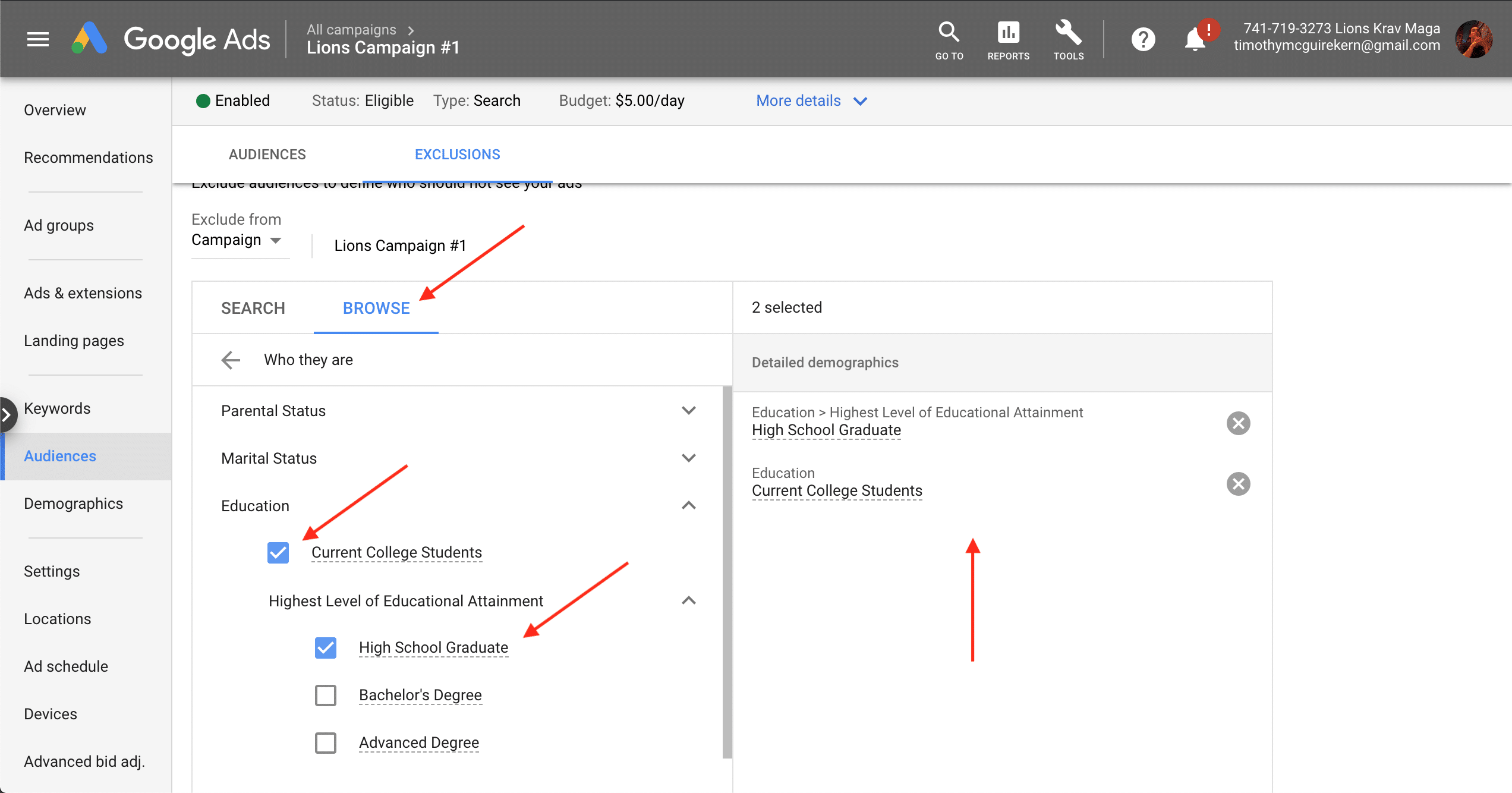
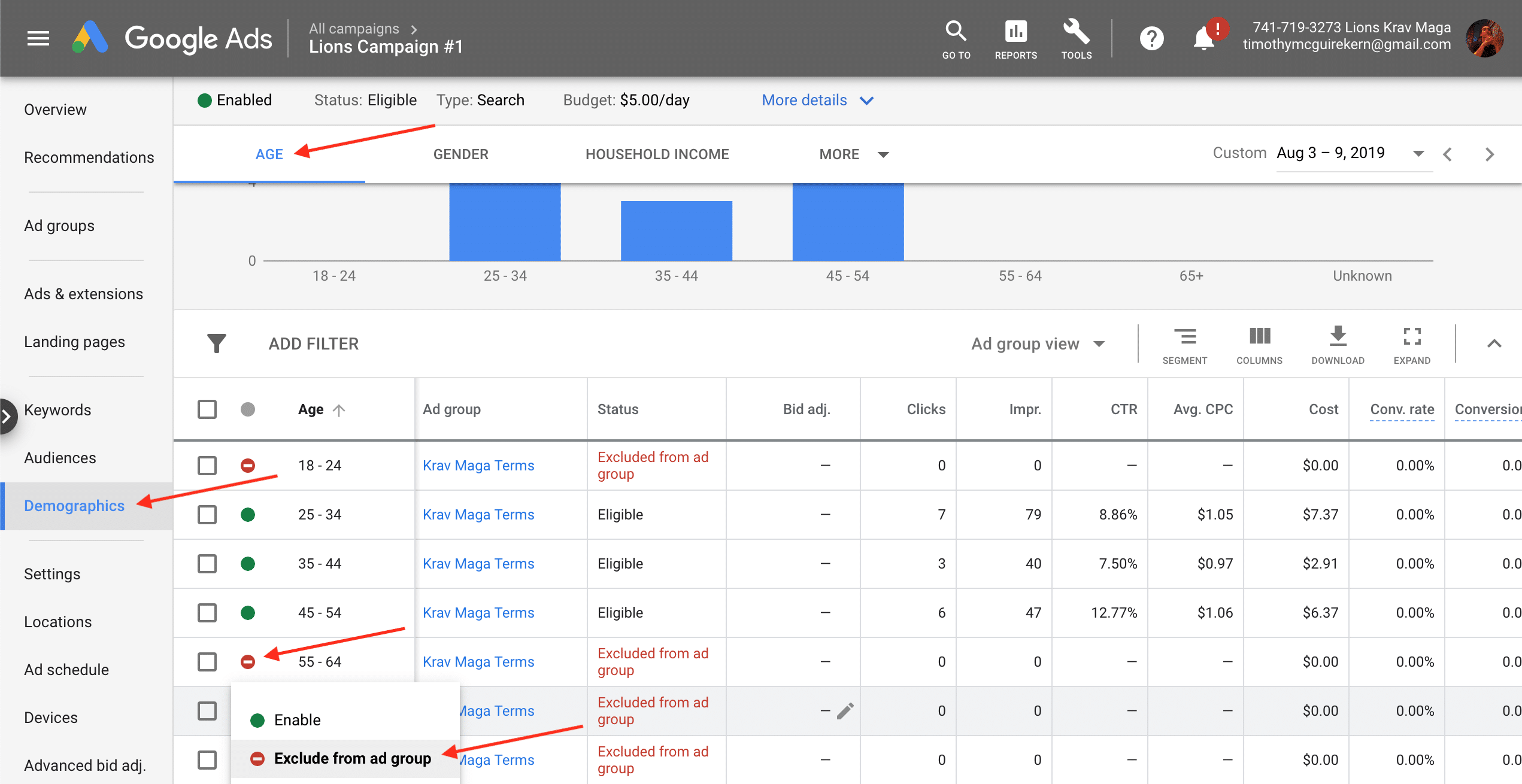
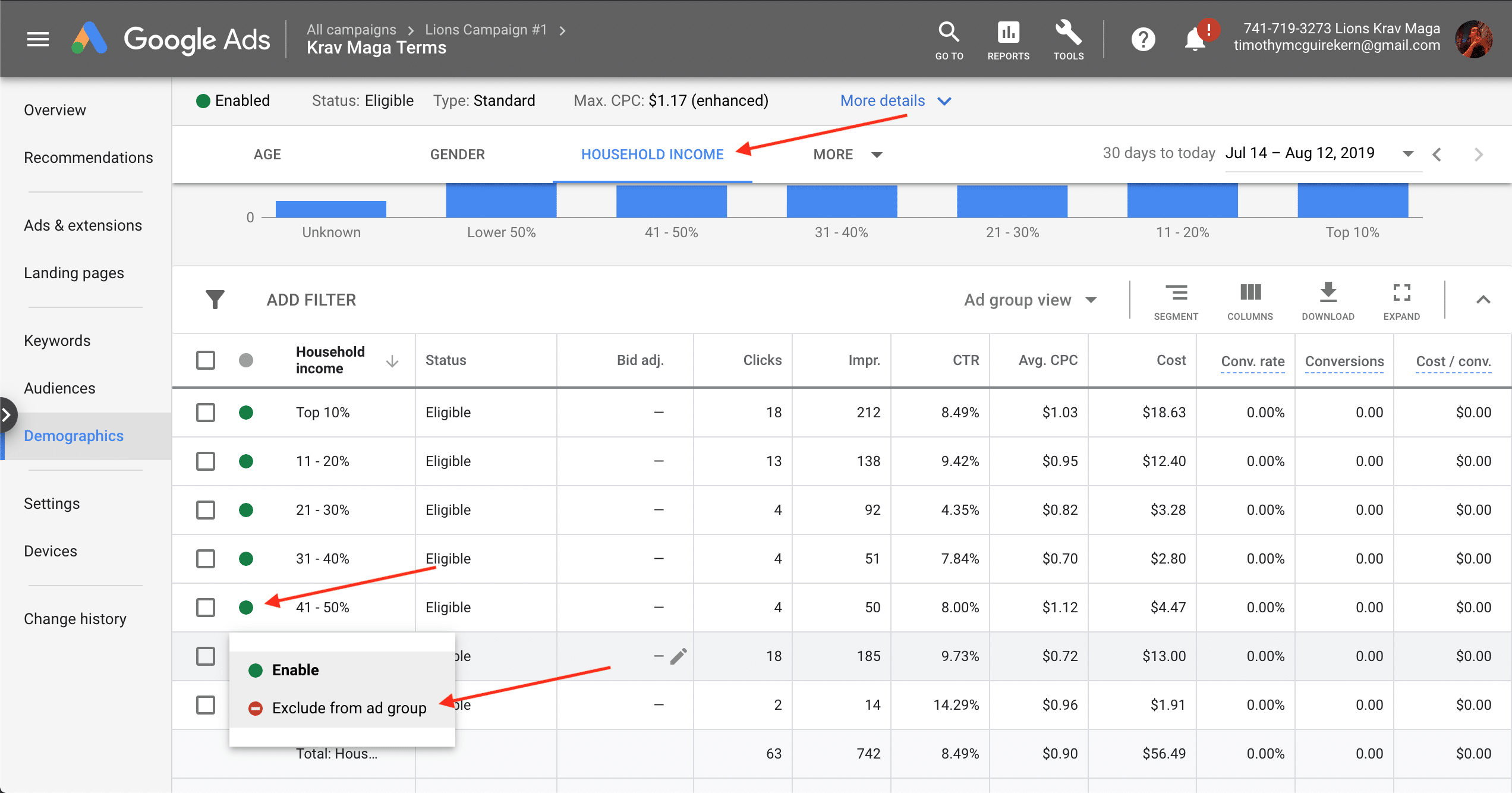
To start enter your campaign at ads.google.com. Explore Audiences, Demographics, Settings, Locations, Ad Schedule, and Devices through links in the left column. Start with audiences— look for tabs at the top of the page to add, exclude, or evaluate. Common audiences include detailed demographics, people in-market for products, and others by observation, targeting (risky), or exclusions. Continue into Demographics from the left column; tabs include Age, Gender, Household Income, Combinations, and Exclusions. Consider each: do some show lower CPAS? Could one drive better visitors? Different settings help different businesses; make decisions with data and intuition.
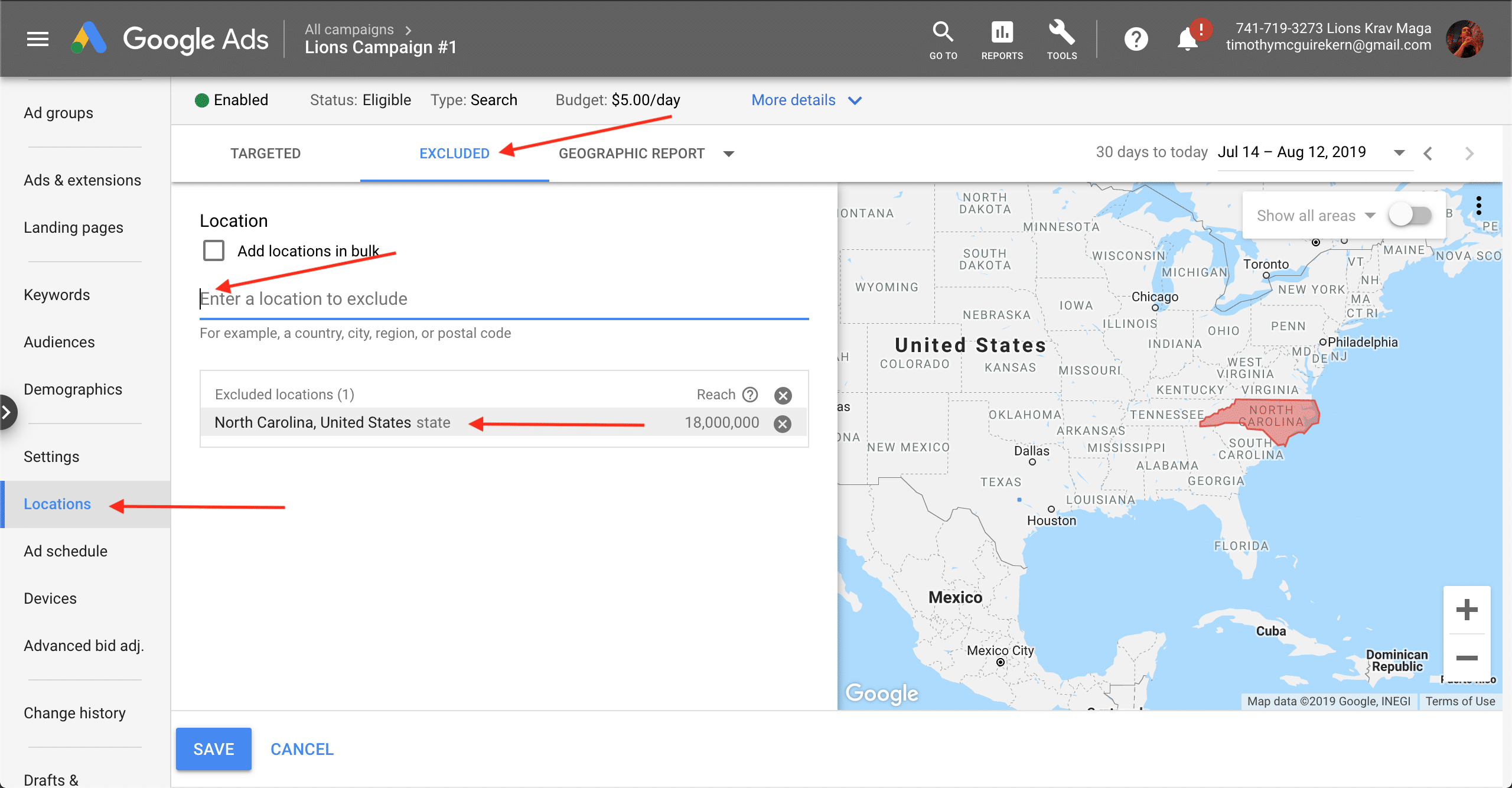
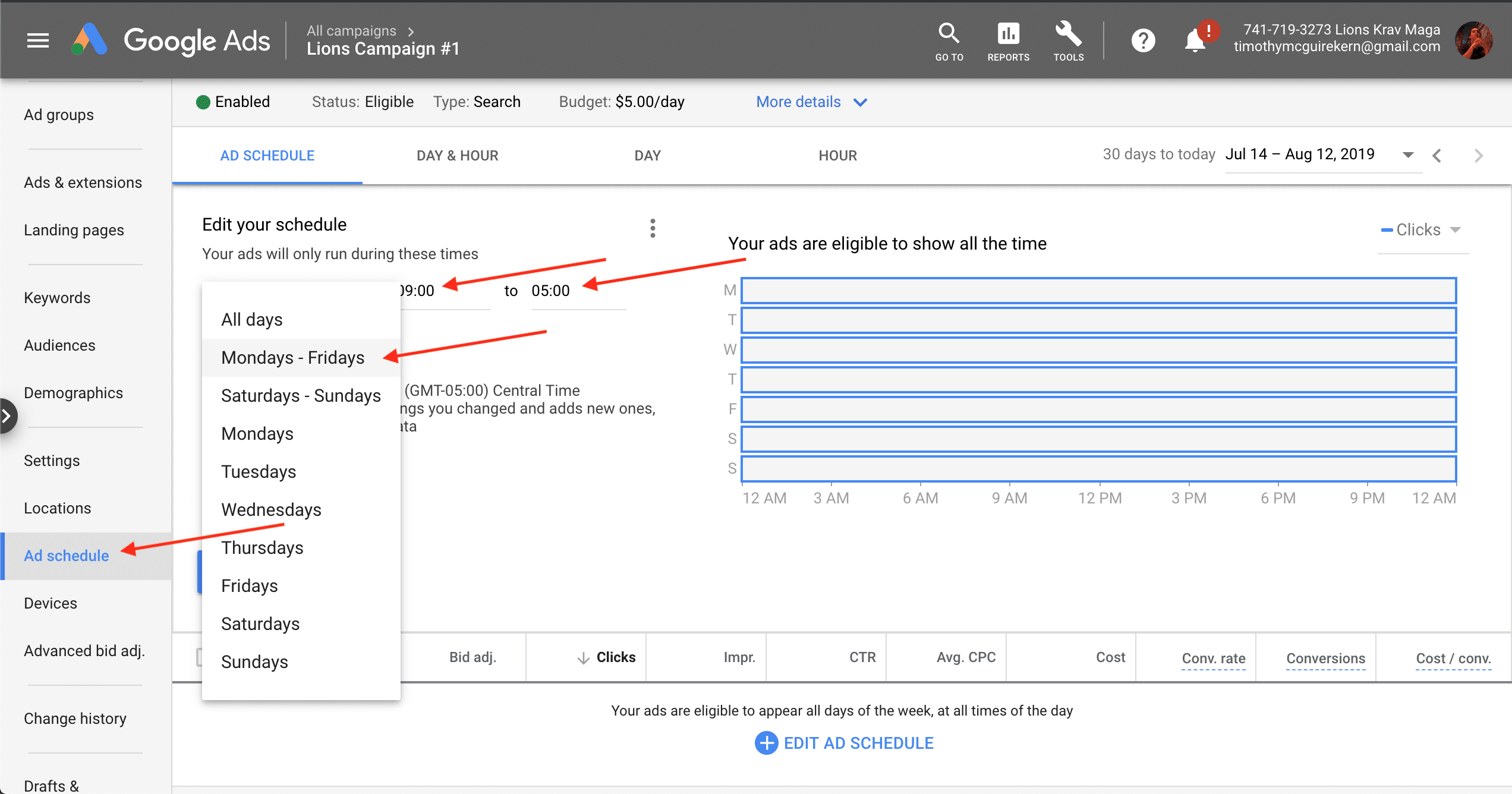
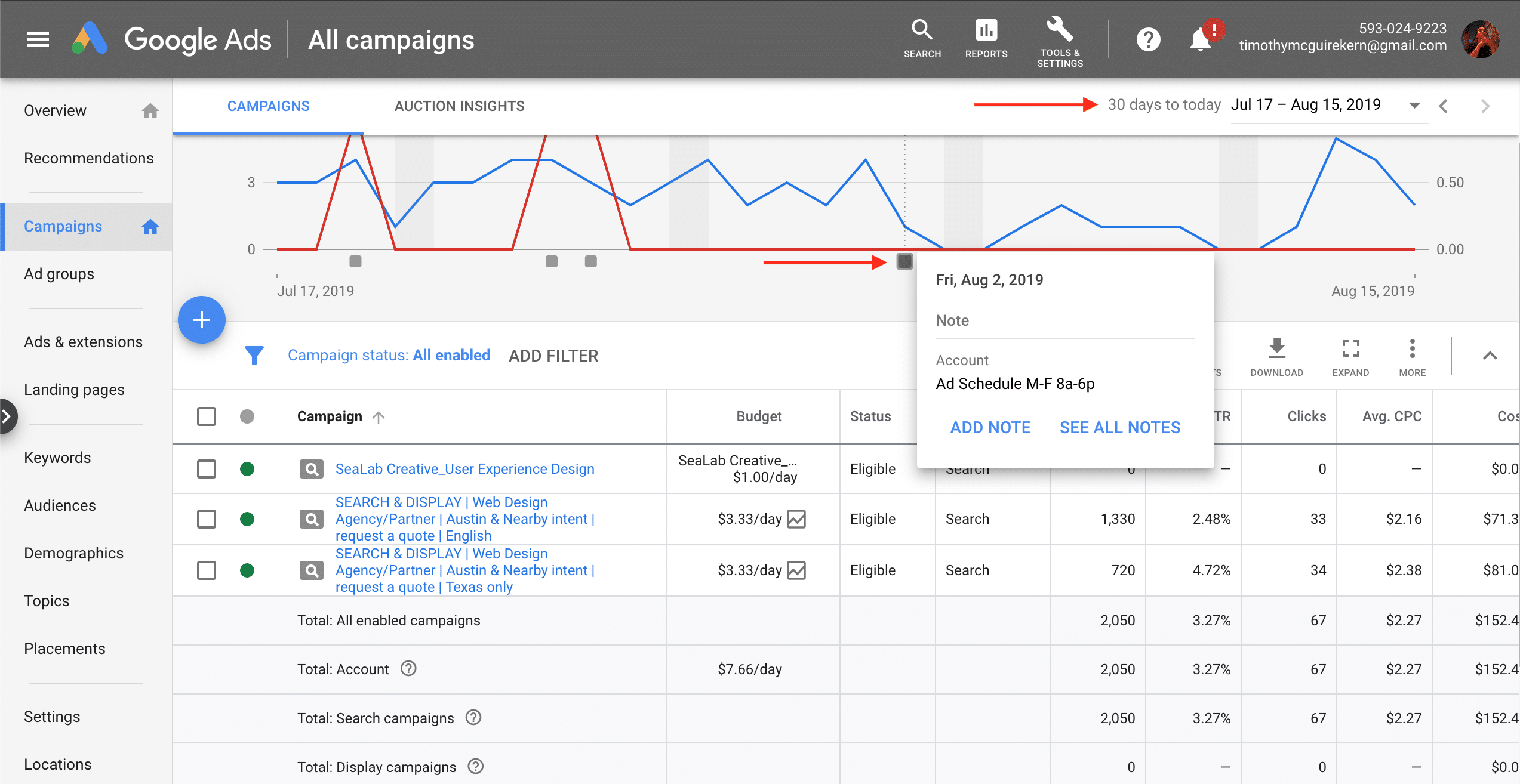
You set Locations during campaign creation. Now, consider expanding or narrowing them. Use the Geographic Report tab or locations mentioned in negative keyword discovery to do this. Ad schedules (left column) may also help you sell more or cut costs during certain times of the day.
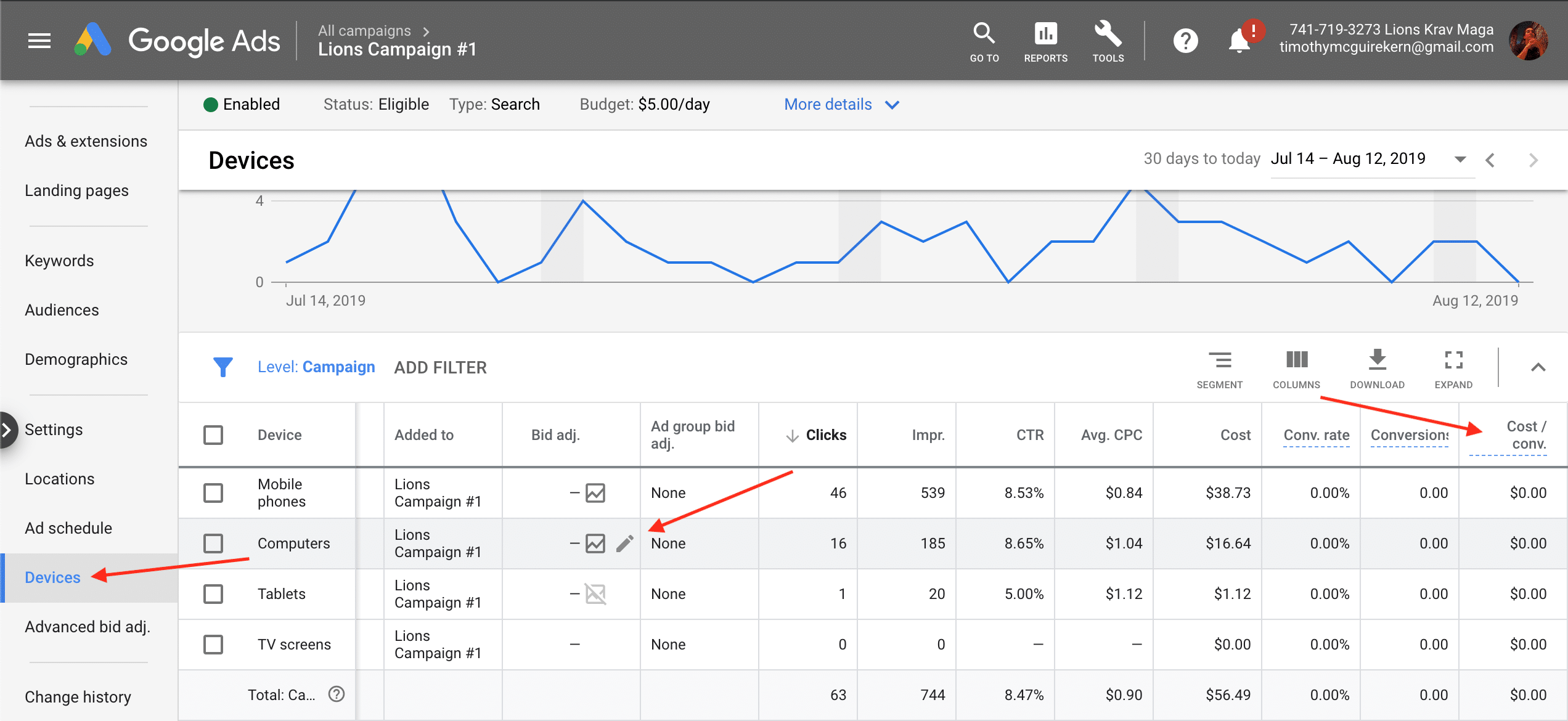
Devices (Computers, Mobile phones, and Tablets) use bid adjustments only. Certain devices are likely to convert more than others, and that will be reflected in data like Cost / Conv. Differences can be stark, and b2b may see higher mobile CPAs where b2c sees lower. Many factors could cause this— you may need to start using mobile-responsive webpages, or mobile traffic may just be more flighty. Consider ways to improve, but don’t wait; compare results to CPA goals and make bid adjustments (to pause set bid adj. to -100%). Usually, adjust bids by 10 – 15%, and evaluate results before readjusting.
It’s imperative you compare results before and after a change— make 1 settings change and watch it. Still getting conversions, traffic, and impressions? Still spending daily budget? Undo changes that hurt results but keep in mind that traffic quality is as important as quantity, meaning keyword discovery may be the true solution if traffic drops. Results may be inconclusive for a while, and you may get clicks but no conversions yet. A quick calculation should tell you what to do; if Conv. rate is historically 10% you should get a conversion around the 10th click (1 / 10 = 10%). At 15 clicks (150%+) it may be time to undo a change, but with 2 clicks you have a ways to go. A statistical significance calculator can help to compare results as well. Proceed with confidence, but be nimble.