Maintenance- Negative Keywords
Google Ads is a great way to reach customers, but sometimes you also reach people who won’t buy. In this lesson you’ll learn to use negative keywords to prevent that. Do this twice a week to once a month, to avoid showing your ads on searches that only cost you money.
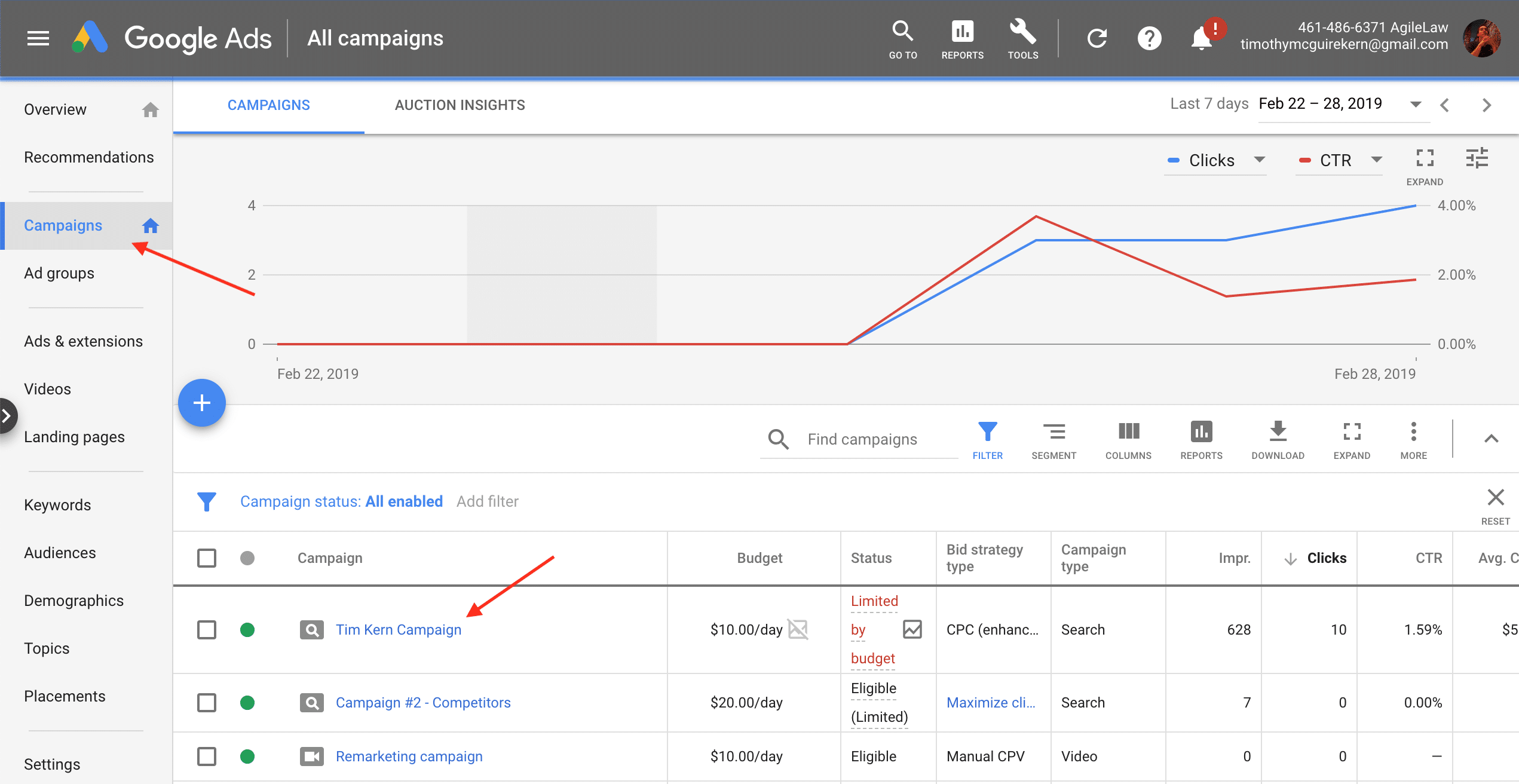
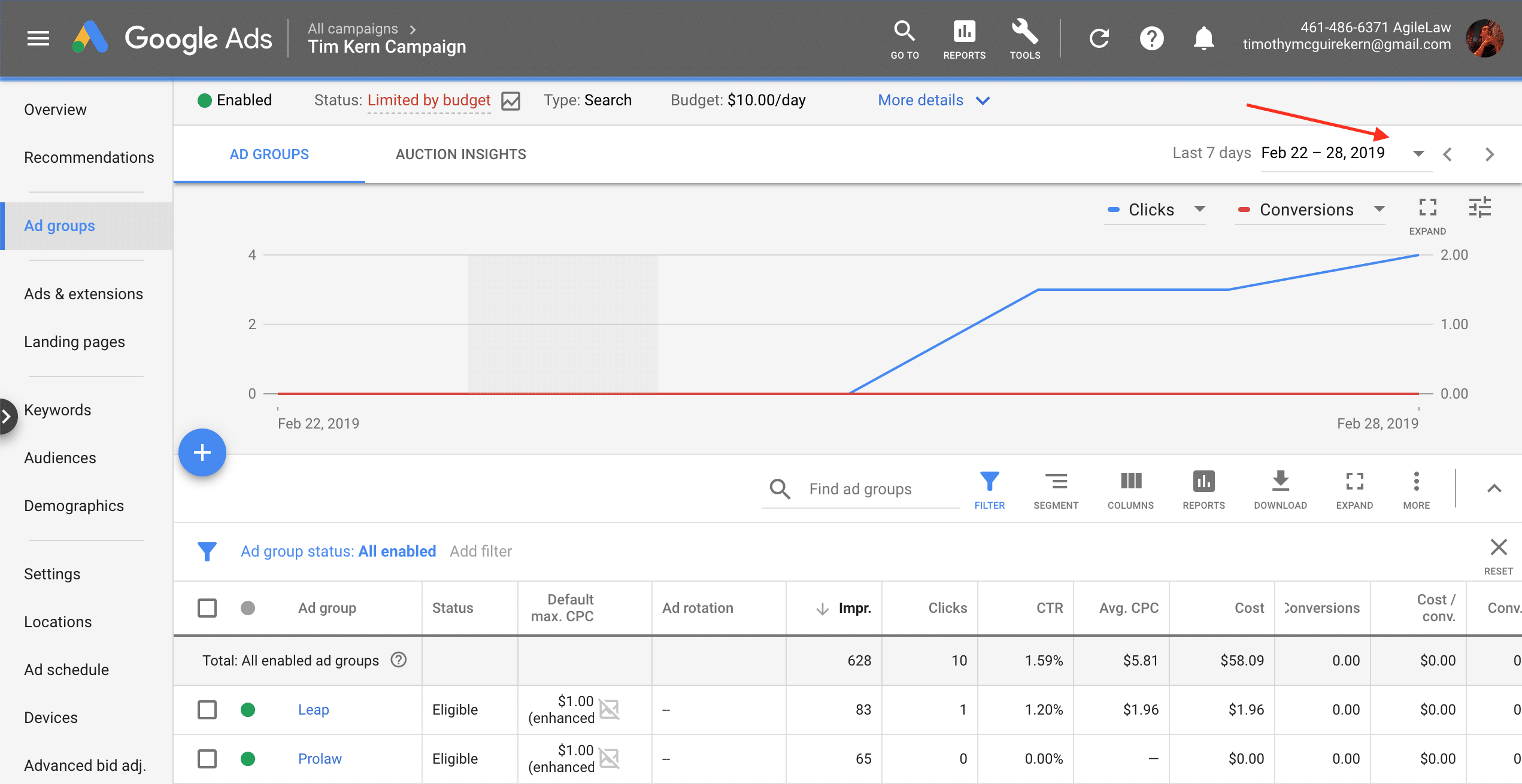
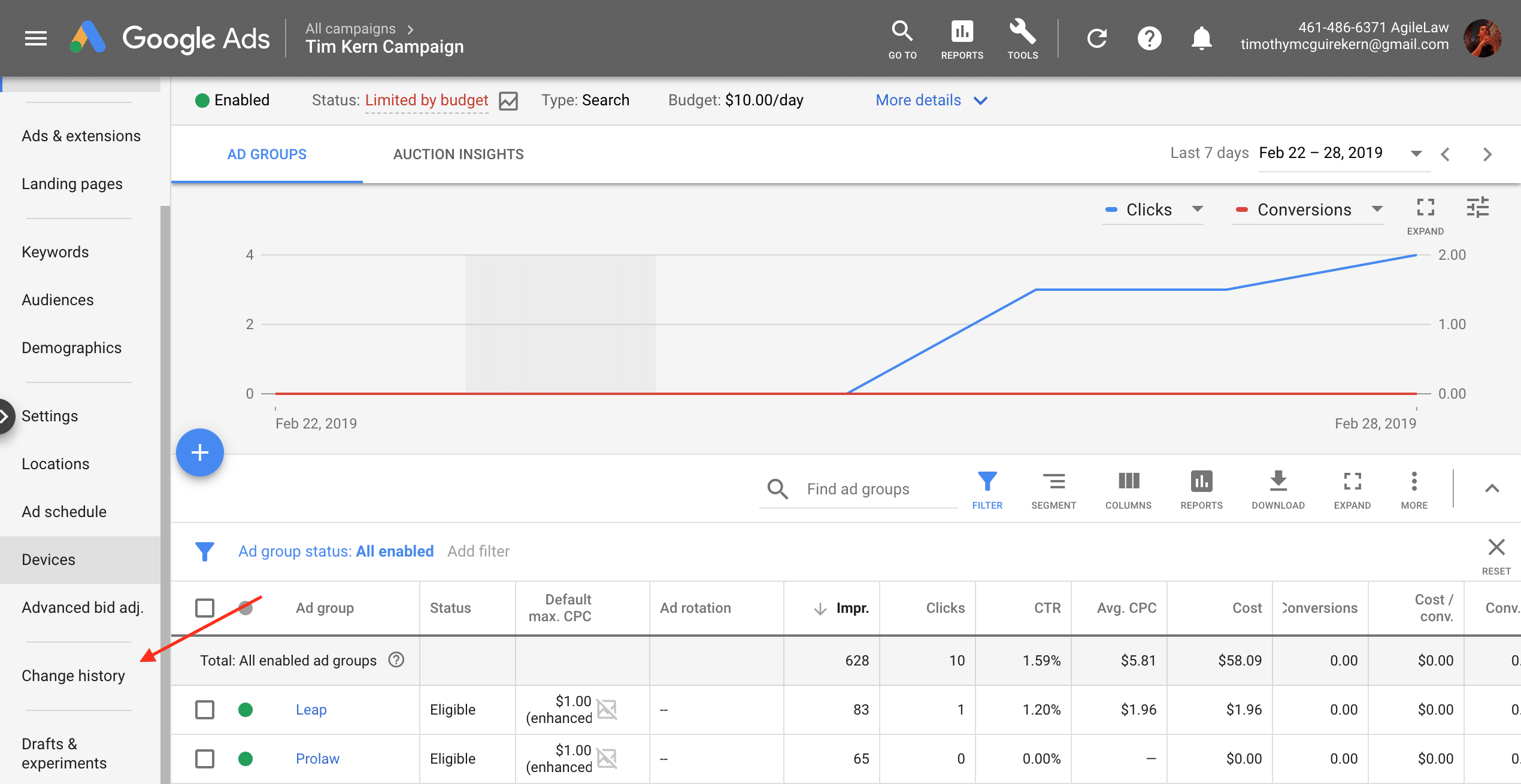
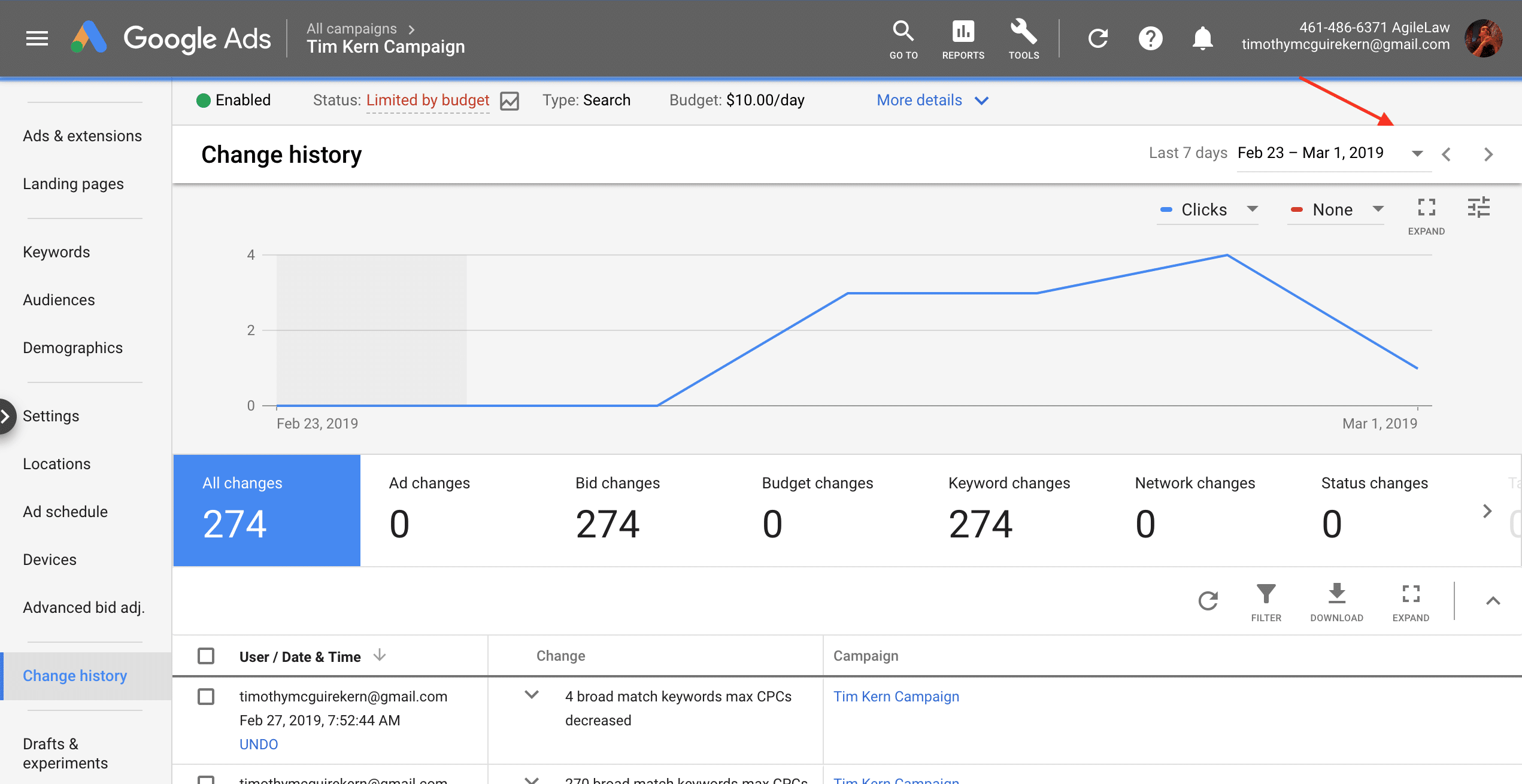
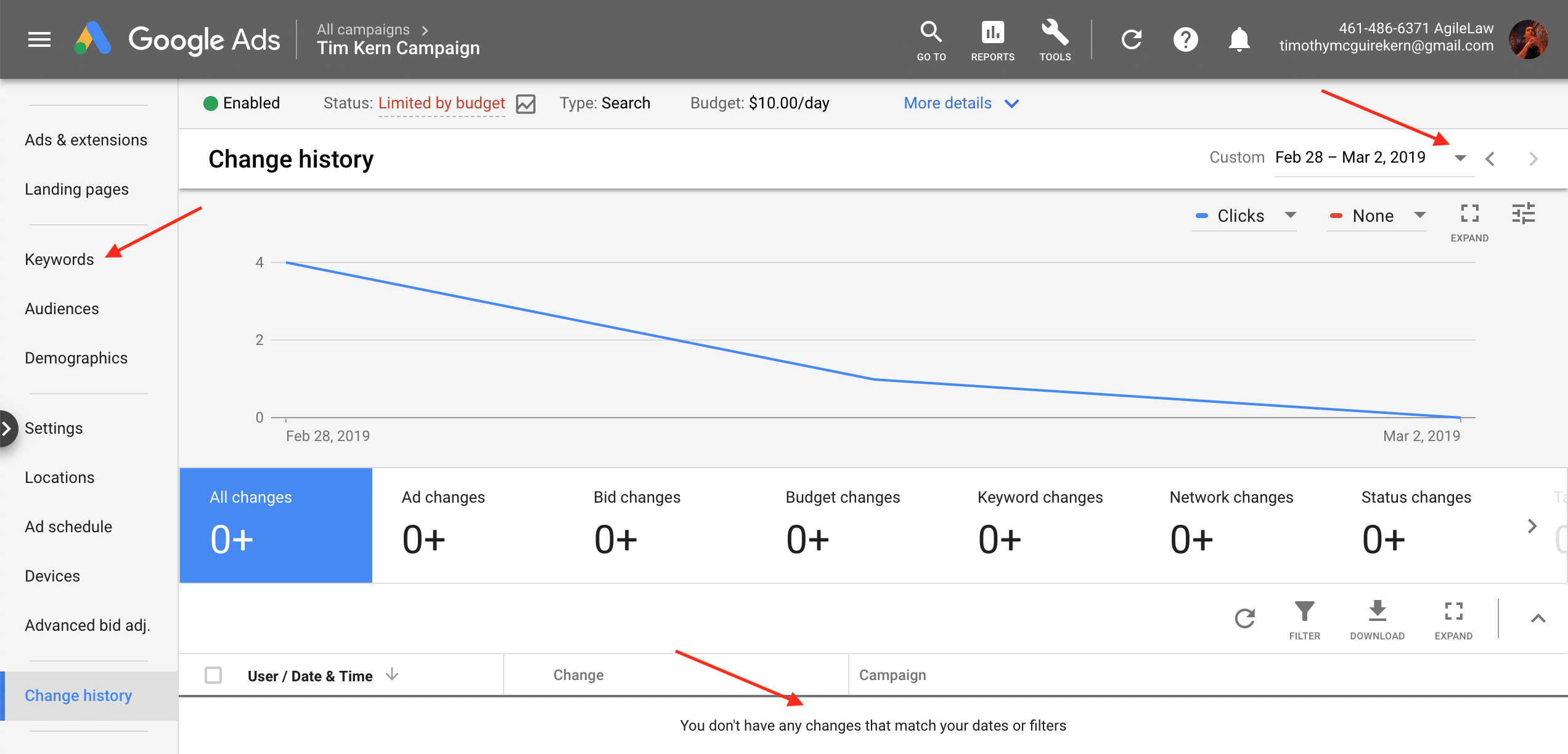
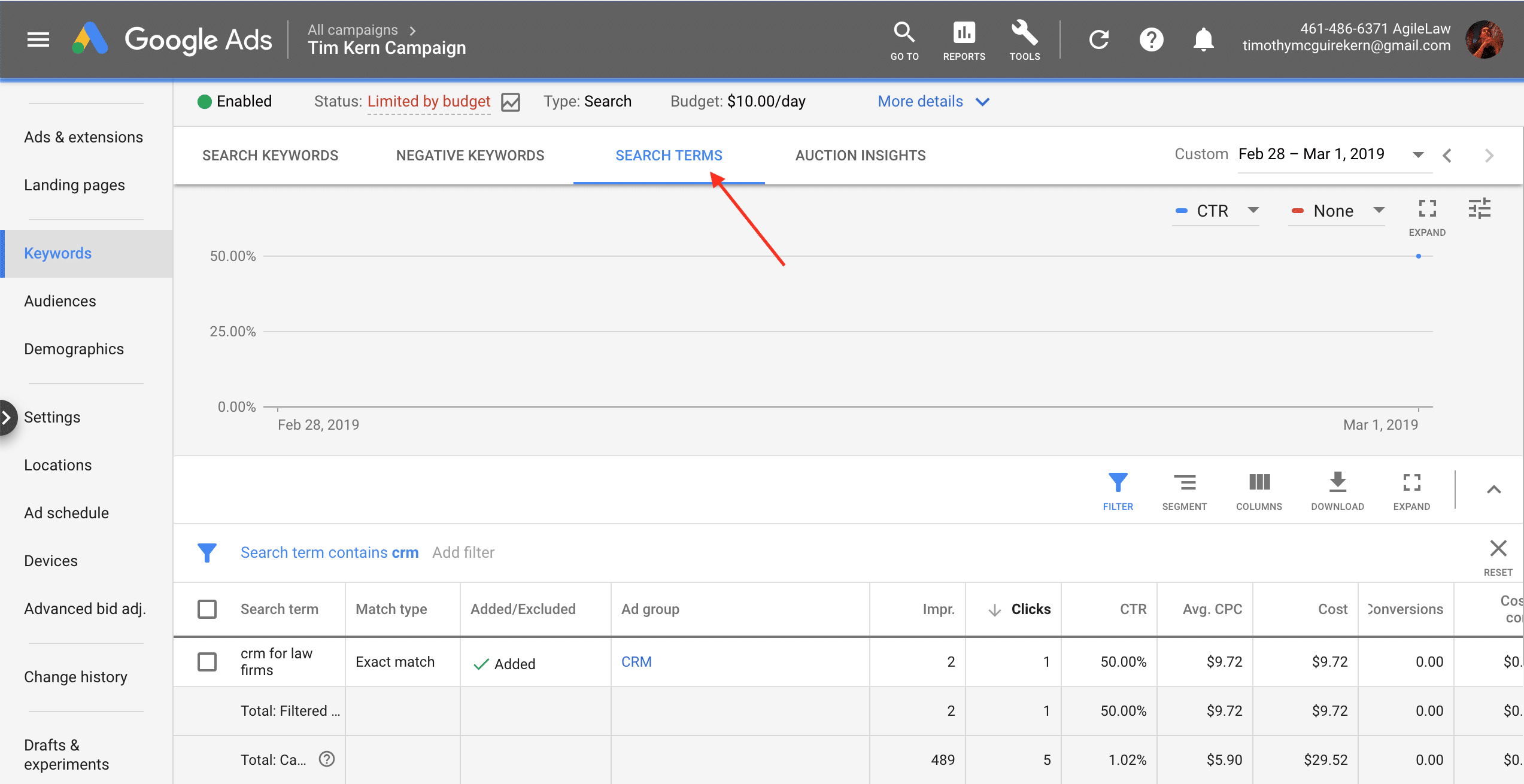
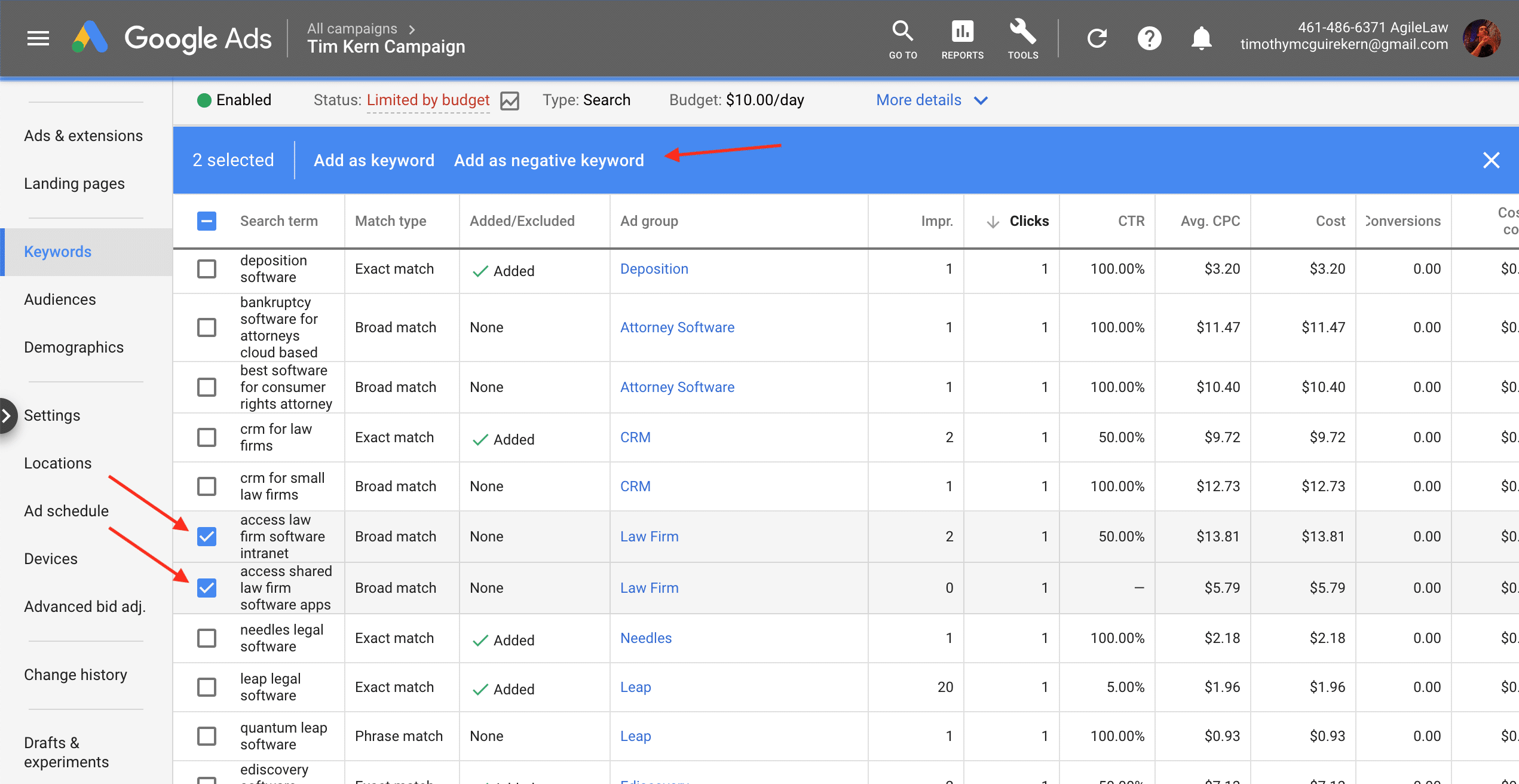
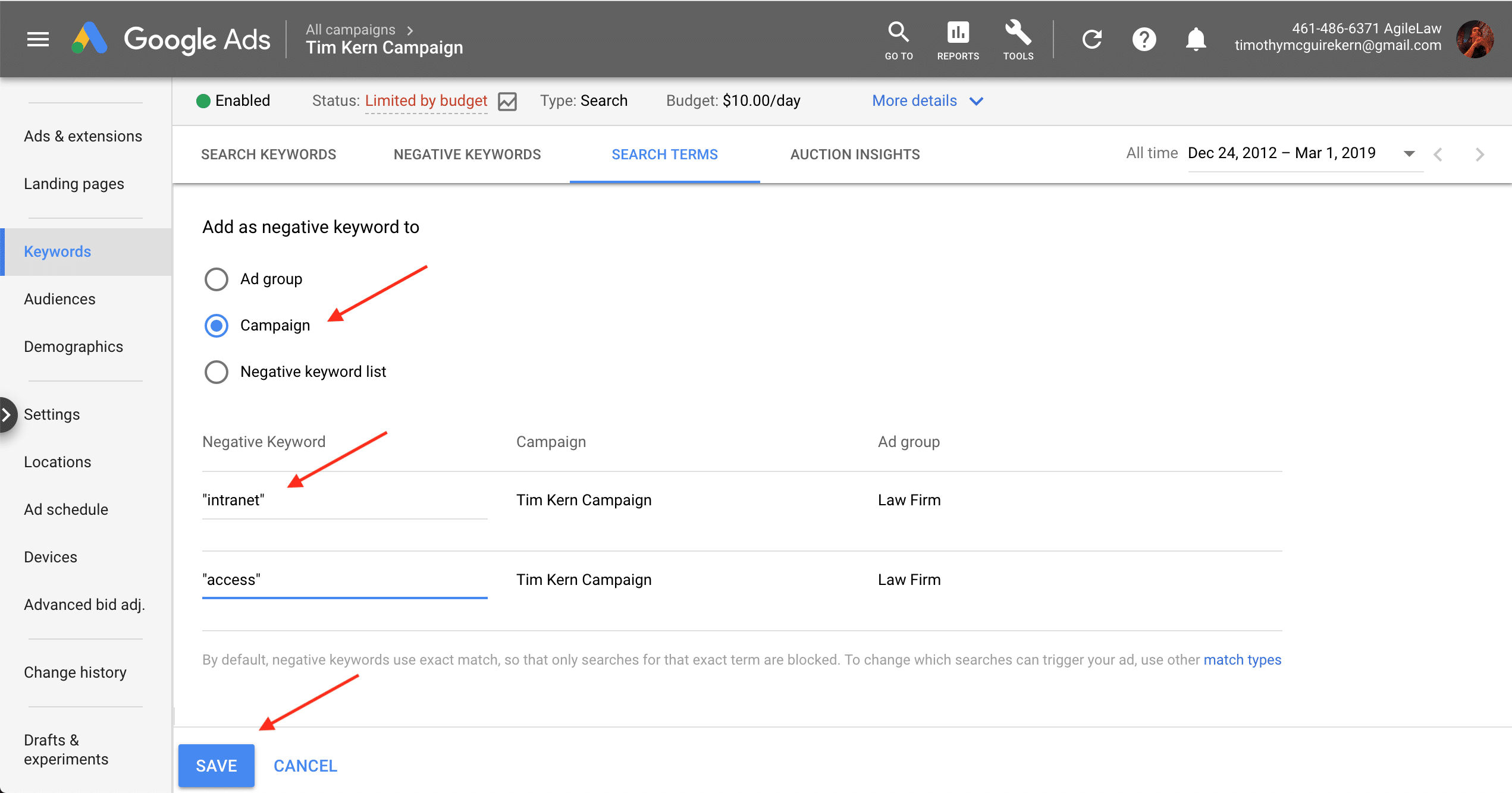
To start, enter your campaign. If you’ve done this before, look in Change history and set the date in Google Ads to after your last change— it’s easy to waste time by repeatedly adding the same terms. Look for the last negative keyword change under Change History in the left column and select Keyword Changes from the tabs once there. Set the start date to the day after your last change. Then click Keywords -> Search Terms to view the user searches that resulted in clicks. From there, look carefully at each term and click all that reflect a search unlikely to purchase. These include searches for unrelated products or modifier terms like “free” that identify less qualified visitors, but every business is trying to capture a different audience so give each some consideration. Reduce text in negative keywords— e.g.: “free” rather than “free nike shoes,” and decide which match type you want to use— usually phrase match to remove searches that contain this term. Add this negative keyword to the campaign level or ad group level: campaign to exclude irrelevant searches (“free”), and ad group to exclude searches more appropriate for another ad group (“reebok shoes for sale” to a “reebok shoes” keyword ad group). Finish by clicking Save.
You want to strike a balance with negative keywords. You can waste money showing your ads to people who won’t buy if you never add them. If you add too many, or add them incorrectly, you prevent your ads showing at all. Add most to the campaign level, using phrase match, and think on how those words may conflict with your goals or kill traffic. Monitor the results of your changes to strike that balance and increase the quality of each click. If problems result just visit that adjustment under Change History and click Undo. We recommend also adding some stock negative keywords initially to filter searches that conflict with your goals. Negative keywords are an easy way to create an improvement in ROI.