Maintenance- Monitor Targeting
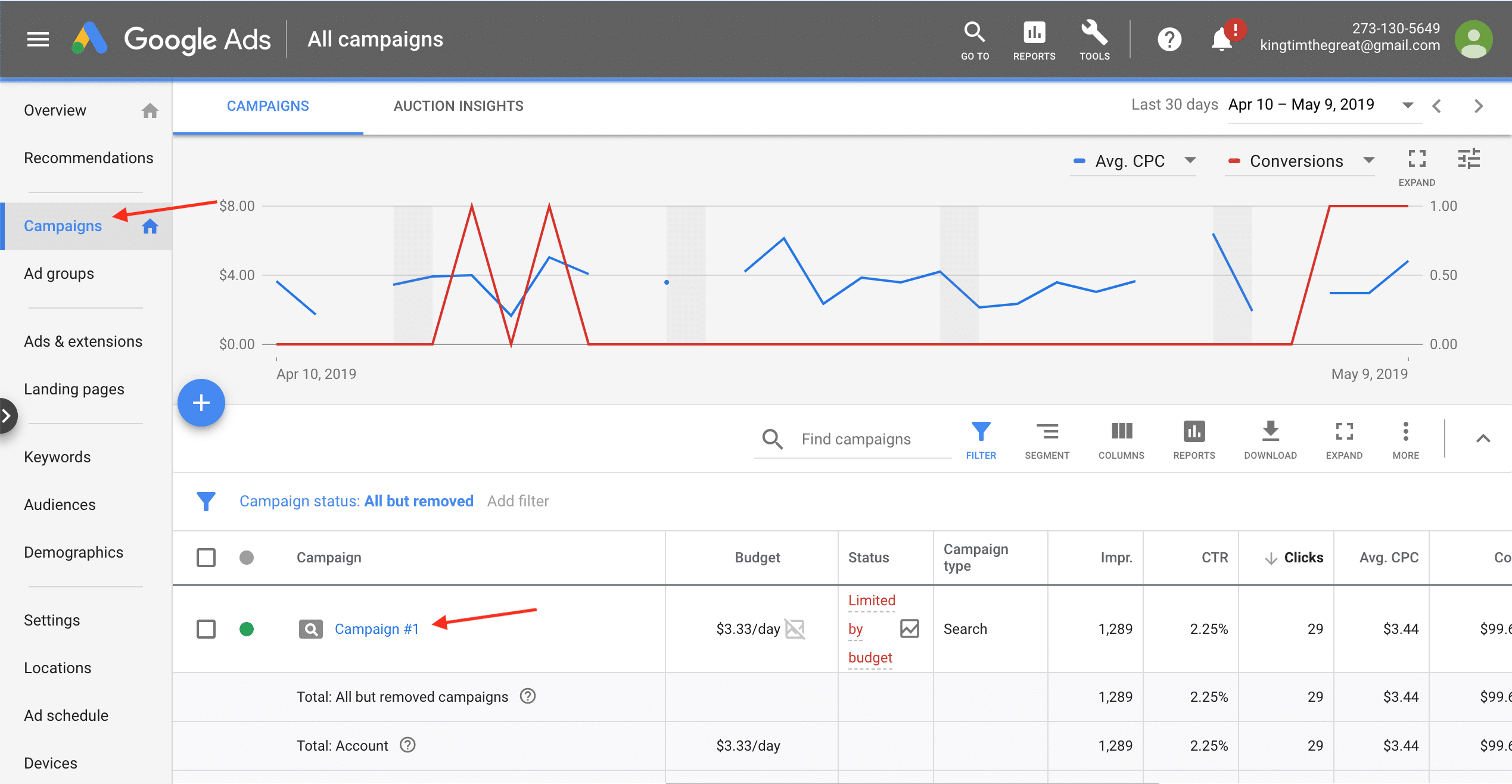
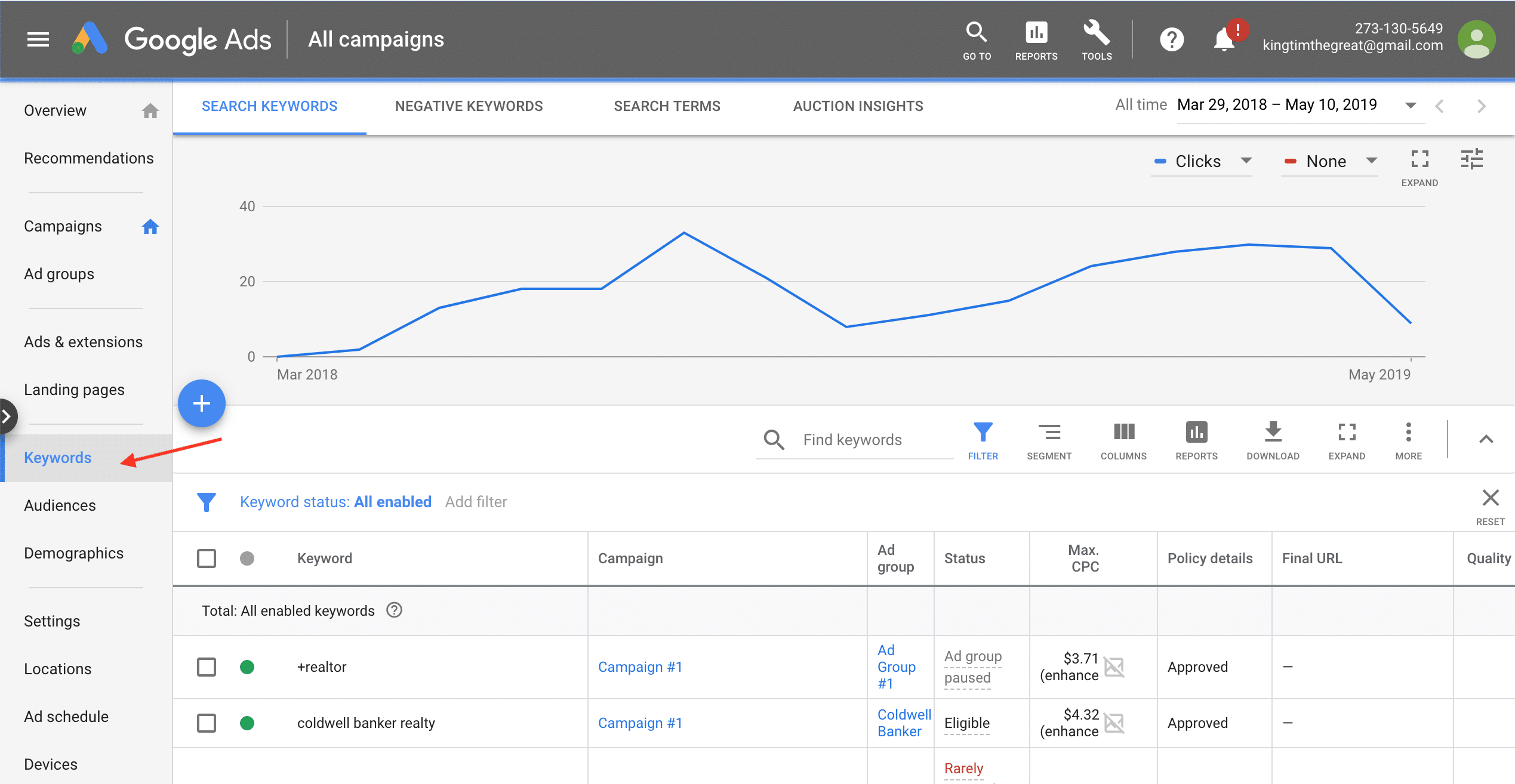
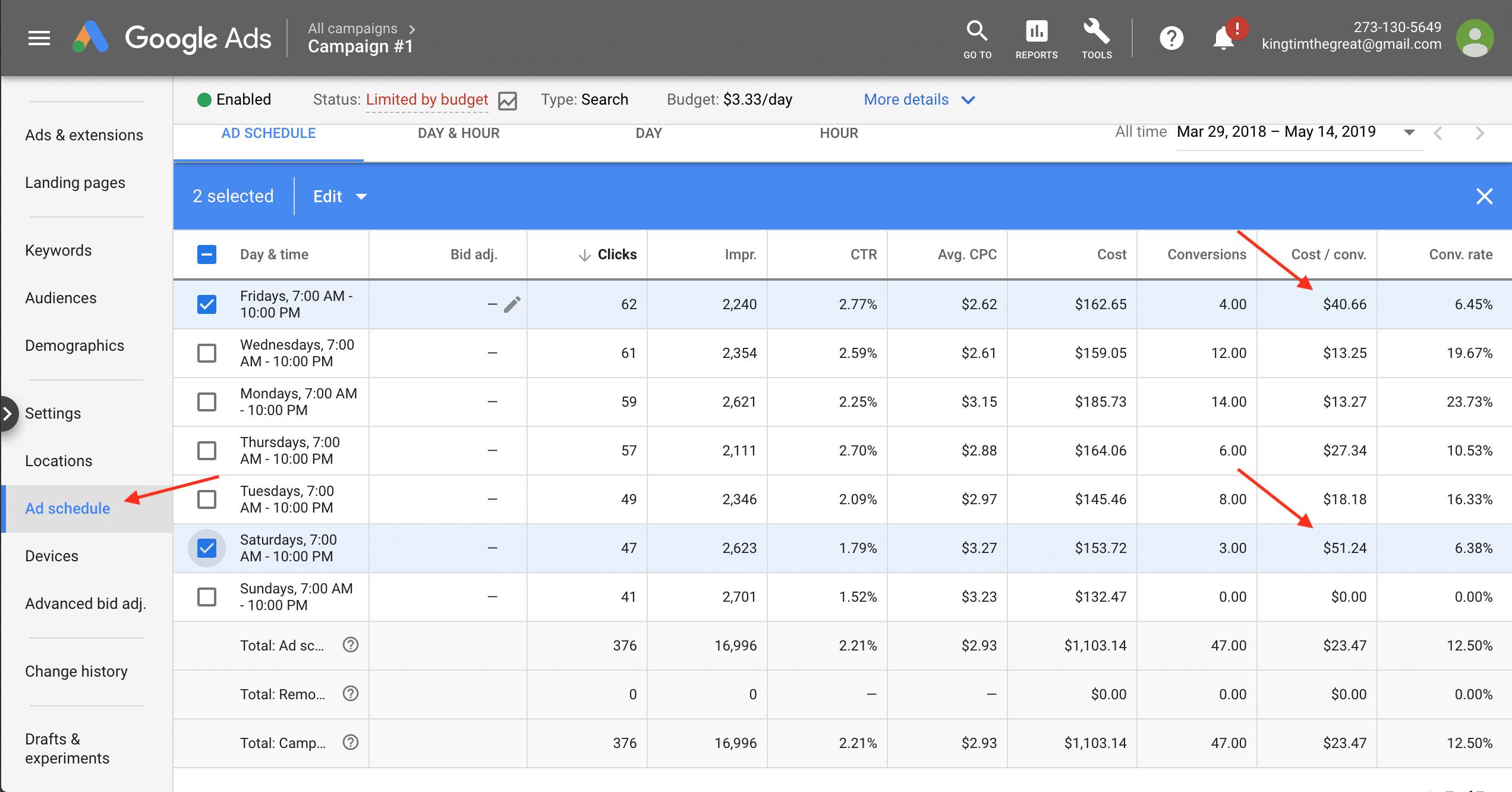
In a new Google Ads campaign all targeting are equal. That changes over time—some can’t drive sales, and others are too costly. Professionals monitor targeting over time to pause unprofitable keywords, audiences, demographics, devices, etc. Take this action about once a month, or when you need to decrease costs. Our explanation applies to Keywords, but click Audiences, Demographics, Locations, Ad schedule, Devices, or Settings in the left column to complete tasks there.
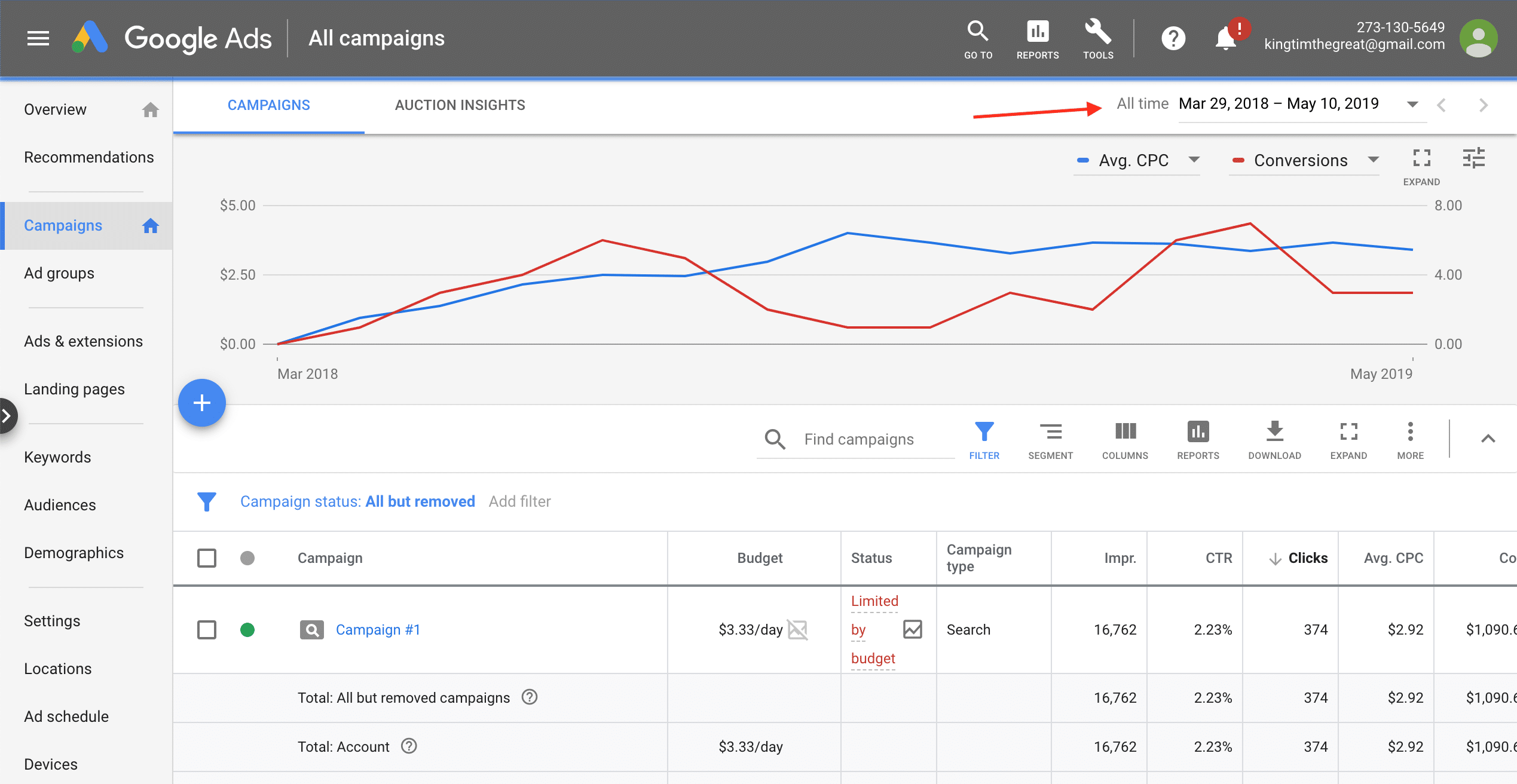
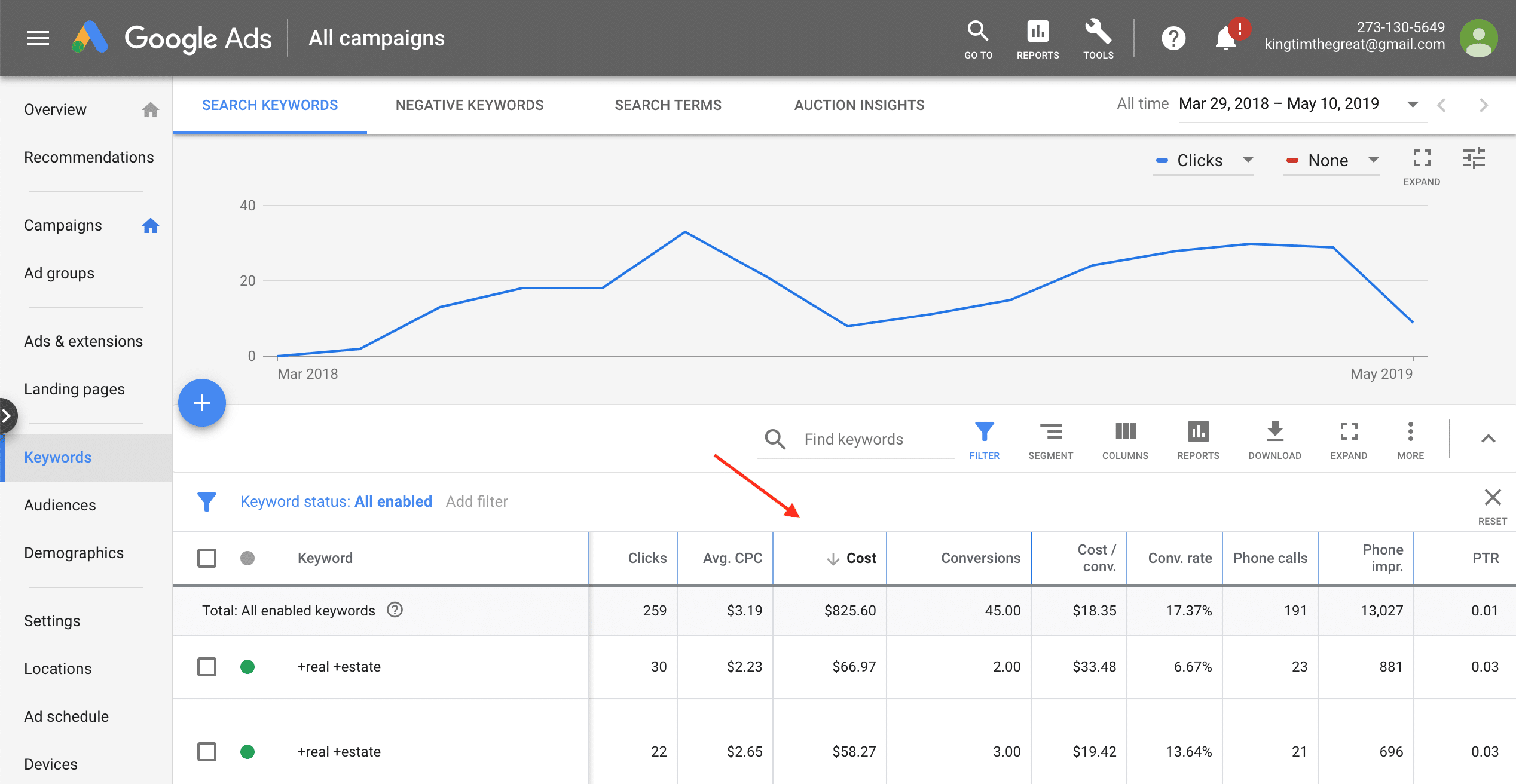
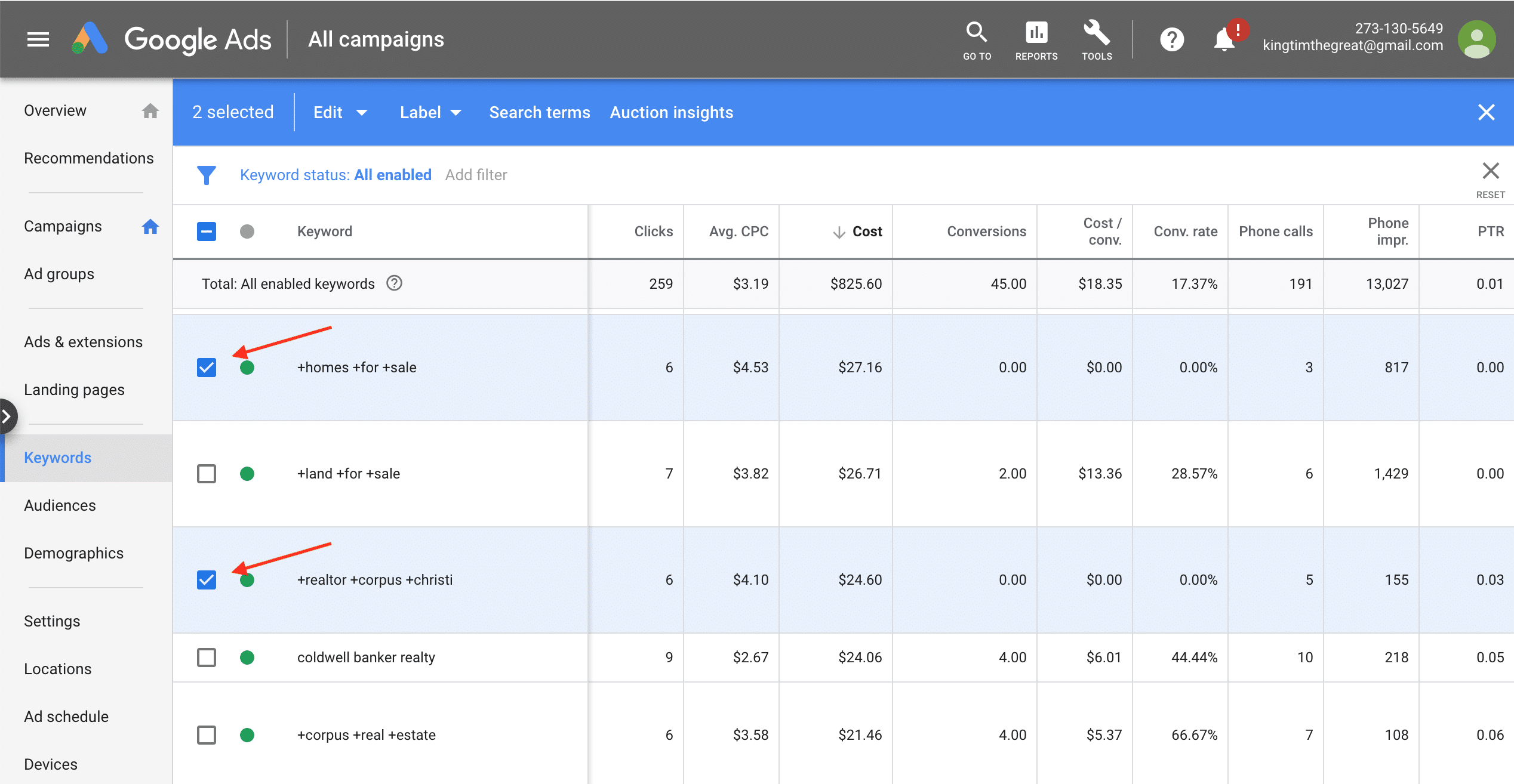
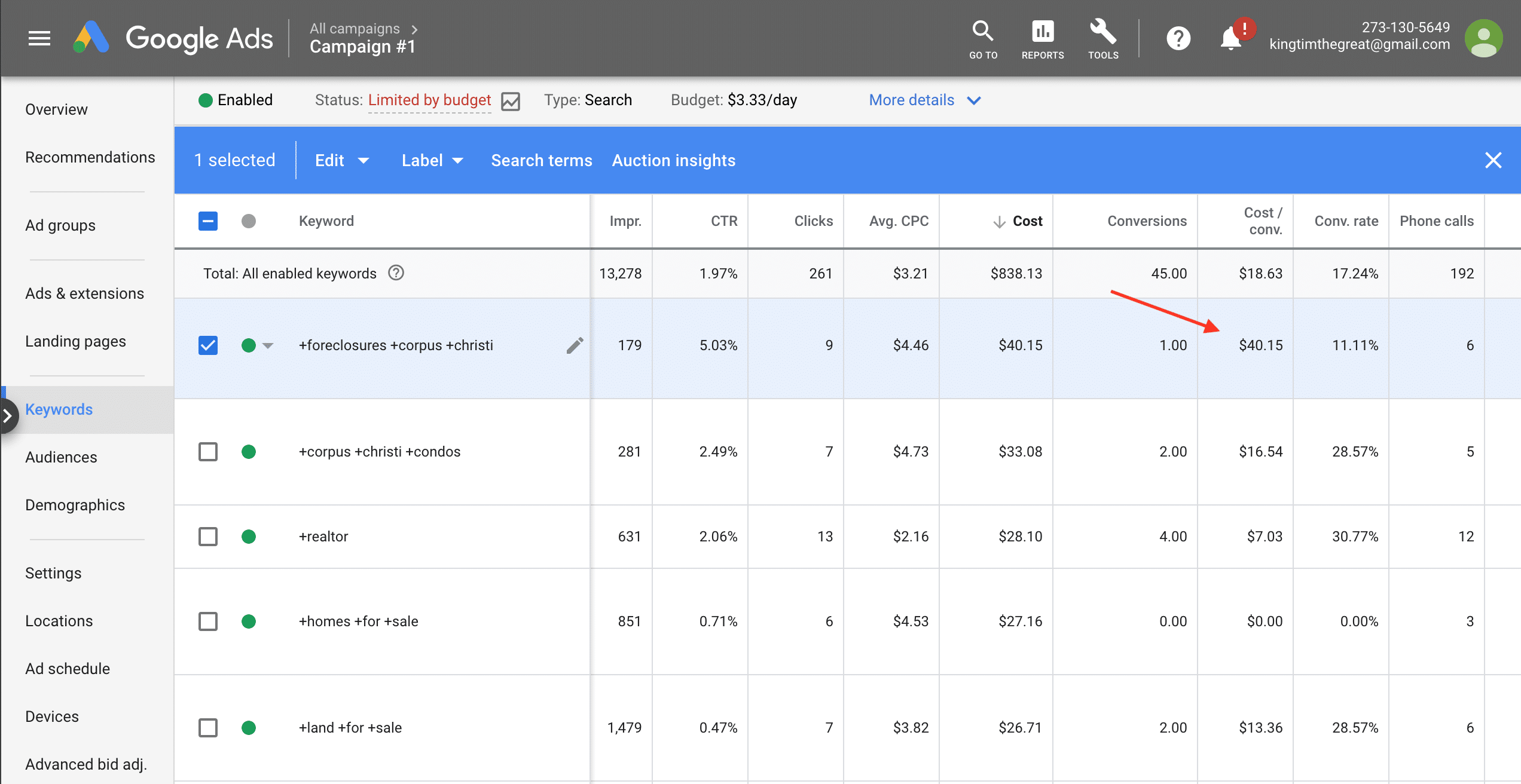
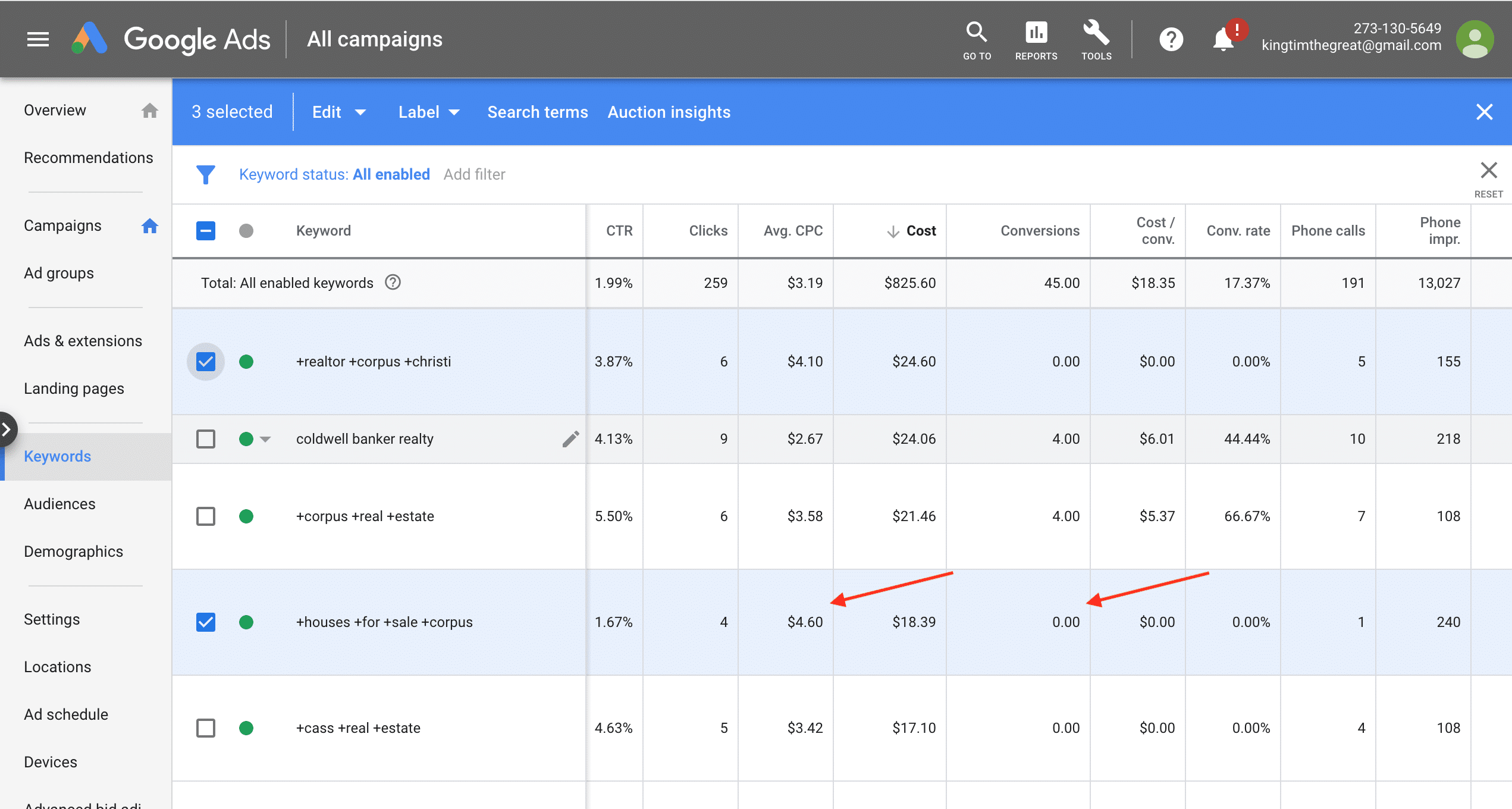
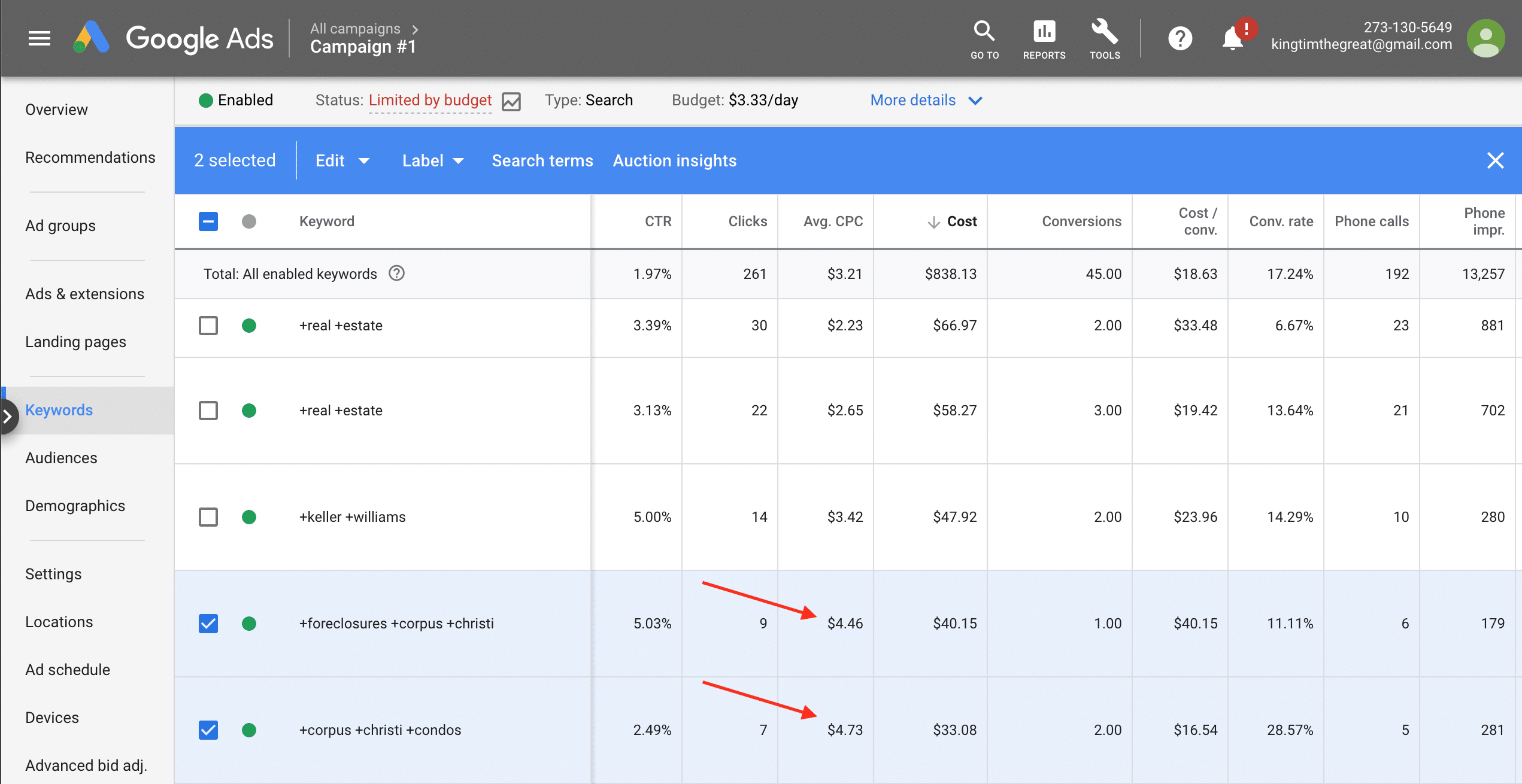
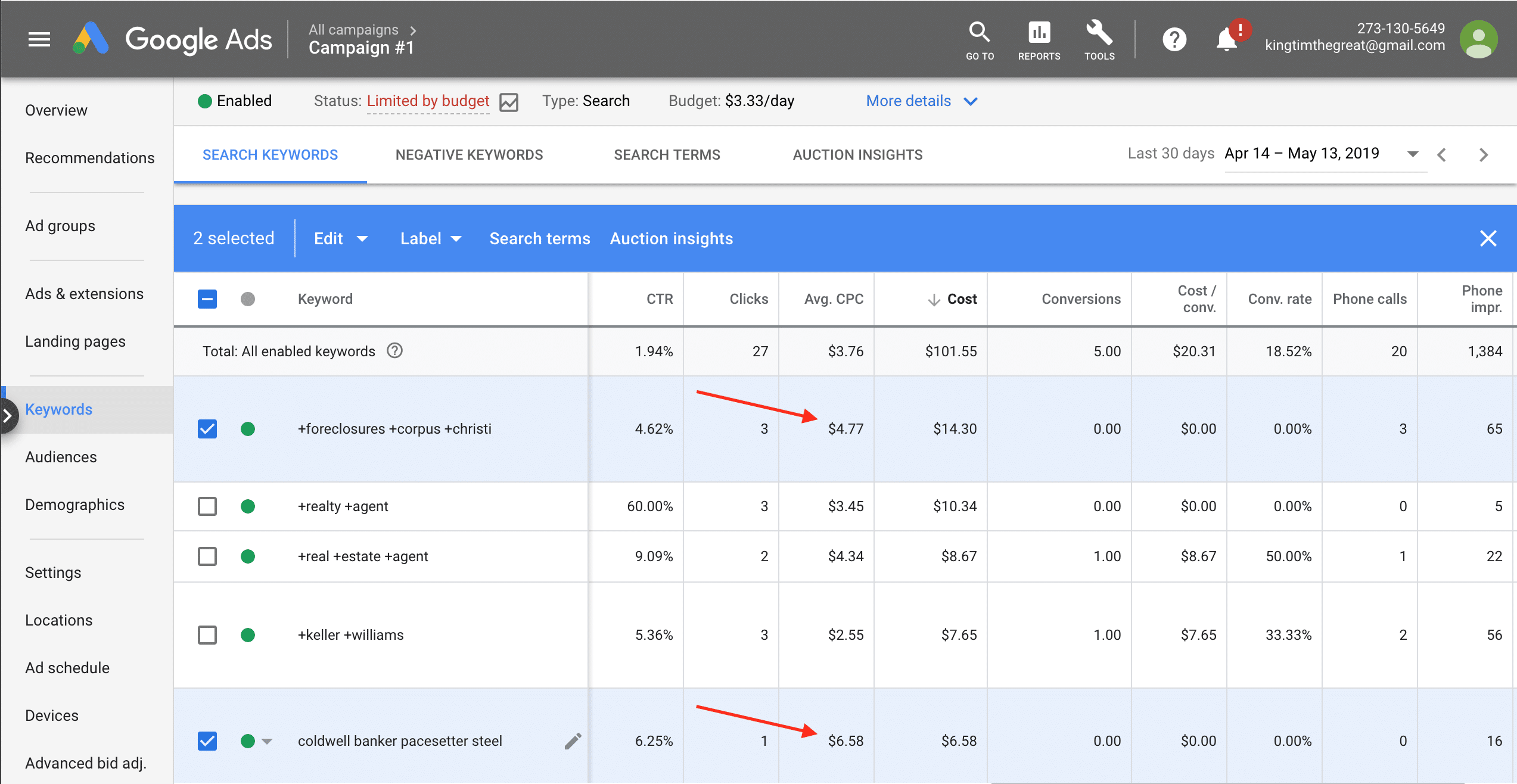
First evaluate lifetime performance. Enter Google Ads, set date to All Time, and navigate to Keywords. Sort the results table by Cost. Evaluate Conversions, CPA, and Clicks for keywords:
– 0 Conversions: pause if Cost is > 150% of goal CPA
– 1+ Conversions: pause if Cost / Conv. > 150% of goal CPA
– 0 Conversions: pause if Avg. CPC is > 150% of goal CPC (aggressive)
– 1+ Conversions: pause if Avg. CPC is 150% > of goal CPC (very aggressive)
This action can greatly improve ROI. It can also decrease traffic and sales. To reduce risk move between steps slowly, watch results, and use planning to know when to stop or revert these changes. Be particularly careful when close to your goal ROI, and watch results after each action.