Setup- Campaign Creation
There are a lot of great opportunities to gain new customers with Google Ads. It’s also easy to waste money. With a knowledge of settings and maintenance tasks you’ll know everything you need to create a successful campaign.
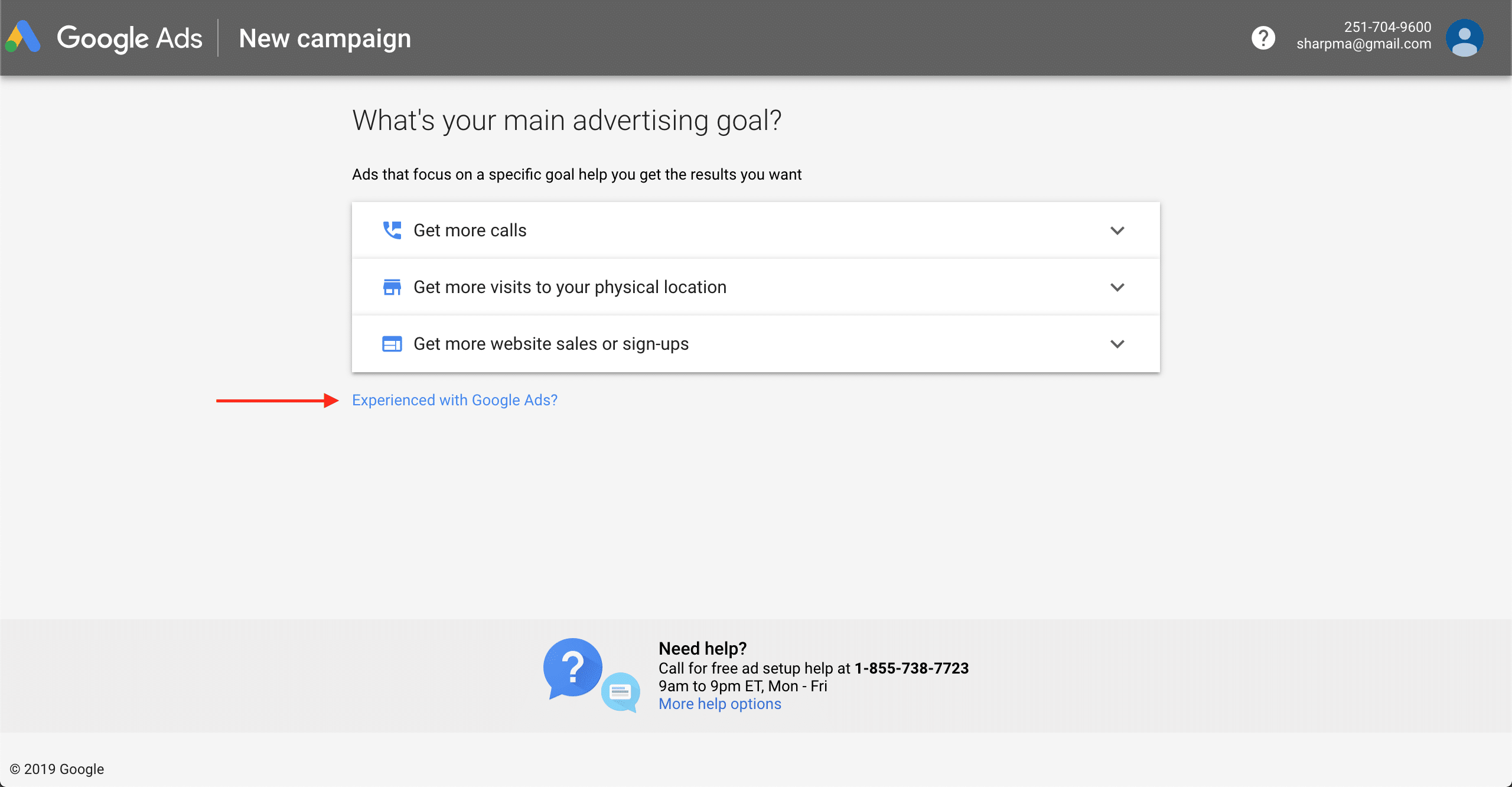
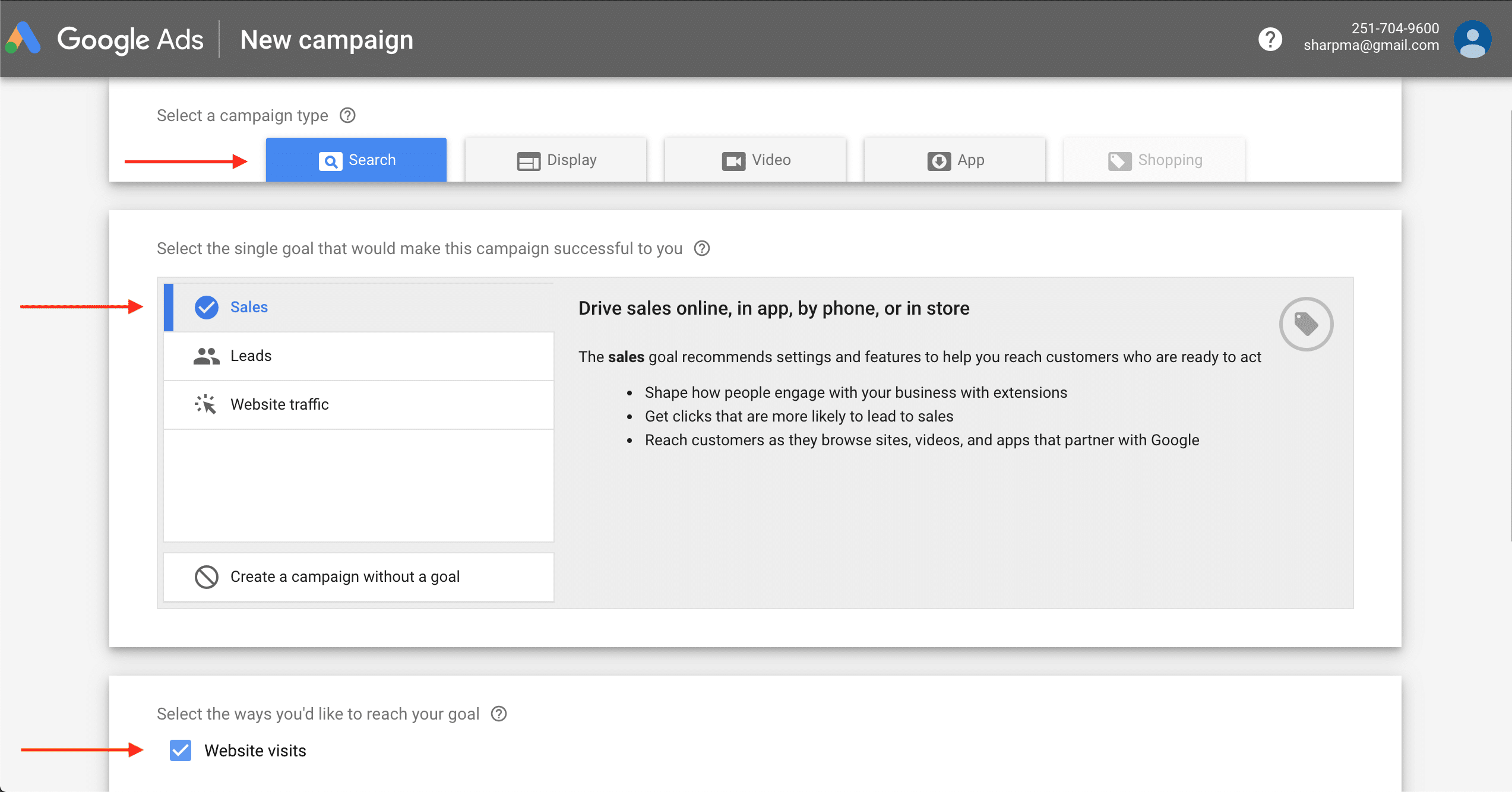
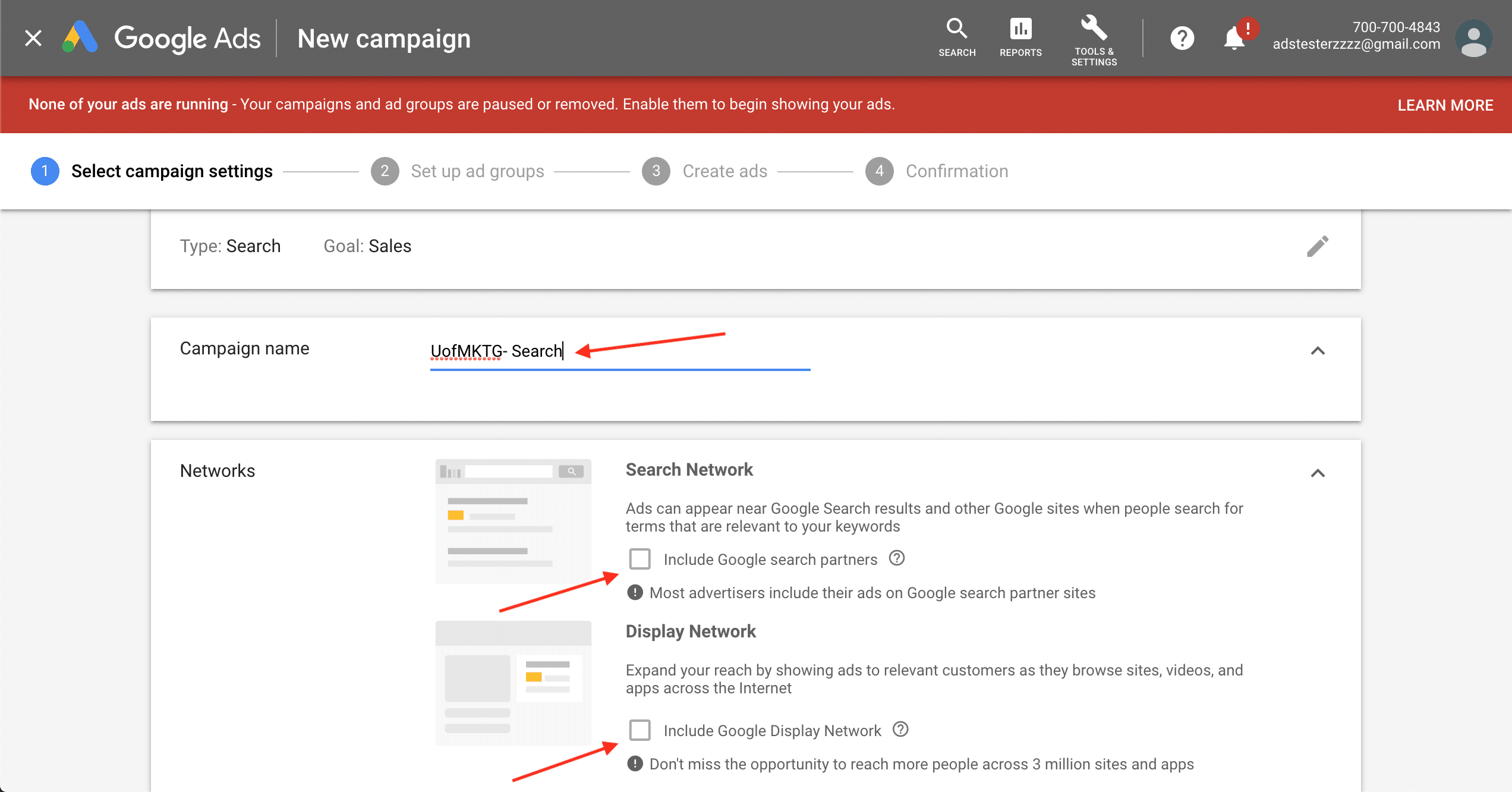
Start by creating your Google Ads account and immediately choose Expert Mode. Next, create your first campaign— a good naming structure is Domain- Network- Product Category, Action Name, or Campaign Name- Device. Select an advertising goal, normally leads or sales. Google offers 2 main networks: Search and Display. We’re all accustomed to search ads on Google, but the Google Display Network runs display ads on millions of 3rd party websites. While this can be effective, it’s more difficult to drive profit for the average small and medium-sized business so stick to search for now. Make another decision— deselect search partners and Display from the Networks area to make sure your ads show on Google search only. We recommend focusing on those later.
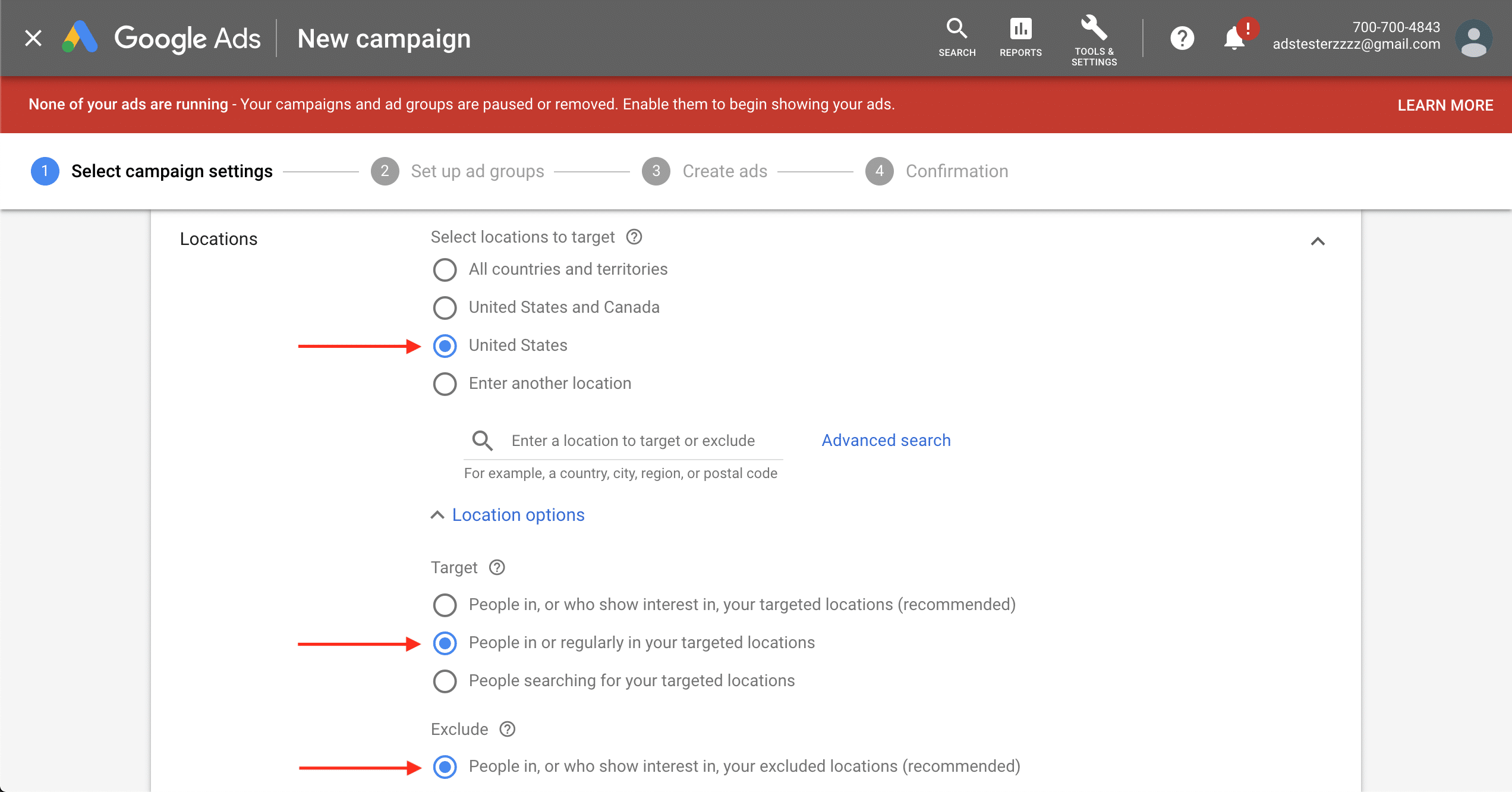
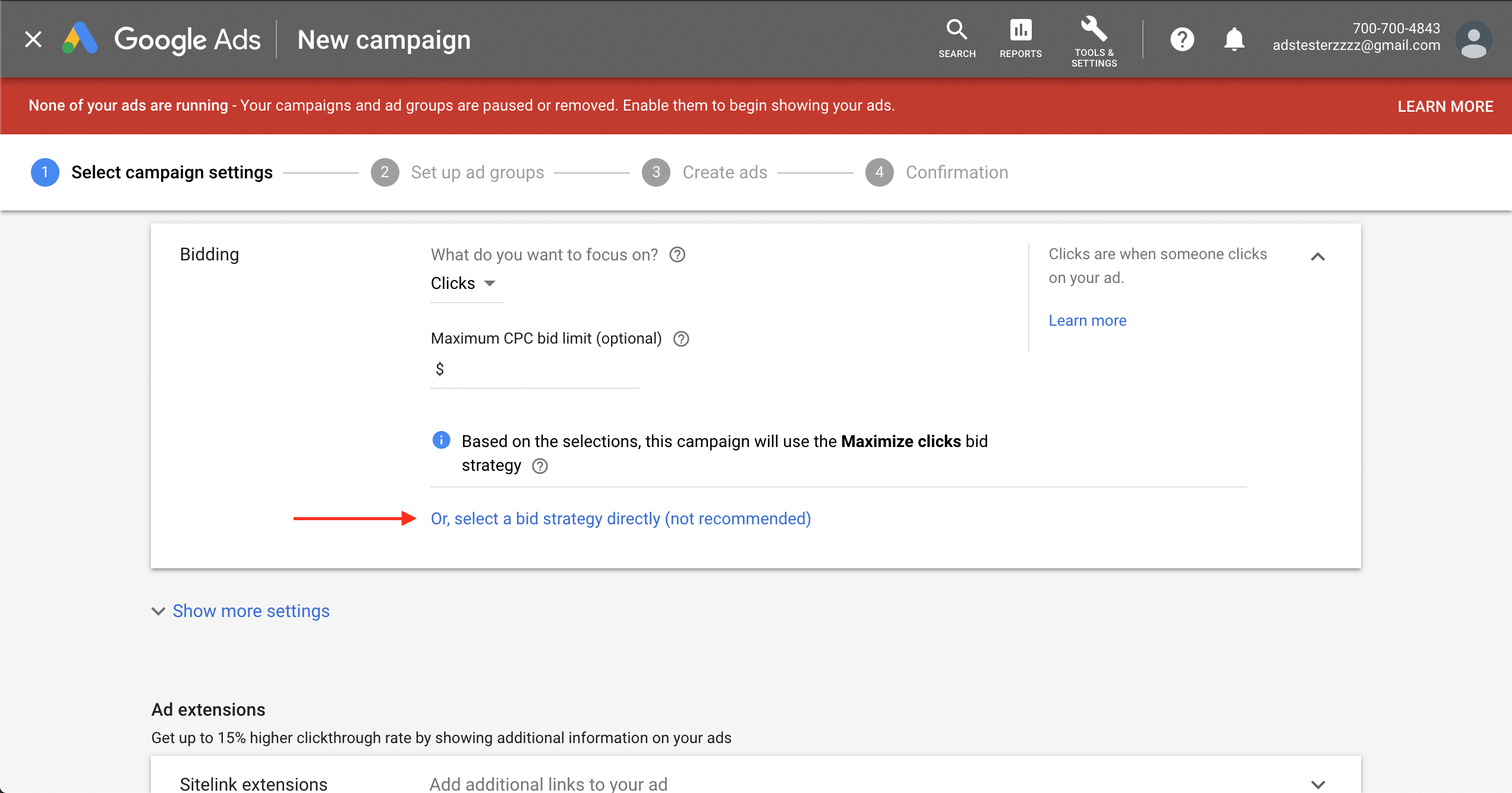
Next select Locations. Start with the location of your average customer today; don’t be too broad. Continue with a language, and skip past Audience. Set a budget, and move to Bidding. Google offers several bidding options (learn more here). Consider 3 main options: Target CPA, Target ROAS, and Enhanced CPC. Target CPA and Target ROAS focus on driving conversions at a fixed cost or return, and Google’s algorithm works for many advertisers, but Google requires a 15 conversions a month to use automated bidding. Many don’t have 15, so stick with Enhanced CPC until your campaign reaches the minimum. This offers complete control of keyword bids, although there’s a learning curve to managing bids manually. Continue with a few more settings: Use Ad Schedule to gain leads or sales during certain hours, opt out of Ad Rotation because you’ll benefit rotating them yourself in a young campaign, and skip Ad Extensions to keep things simple.
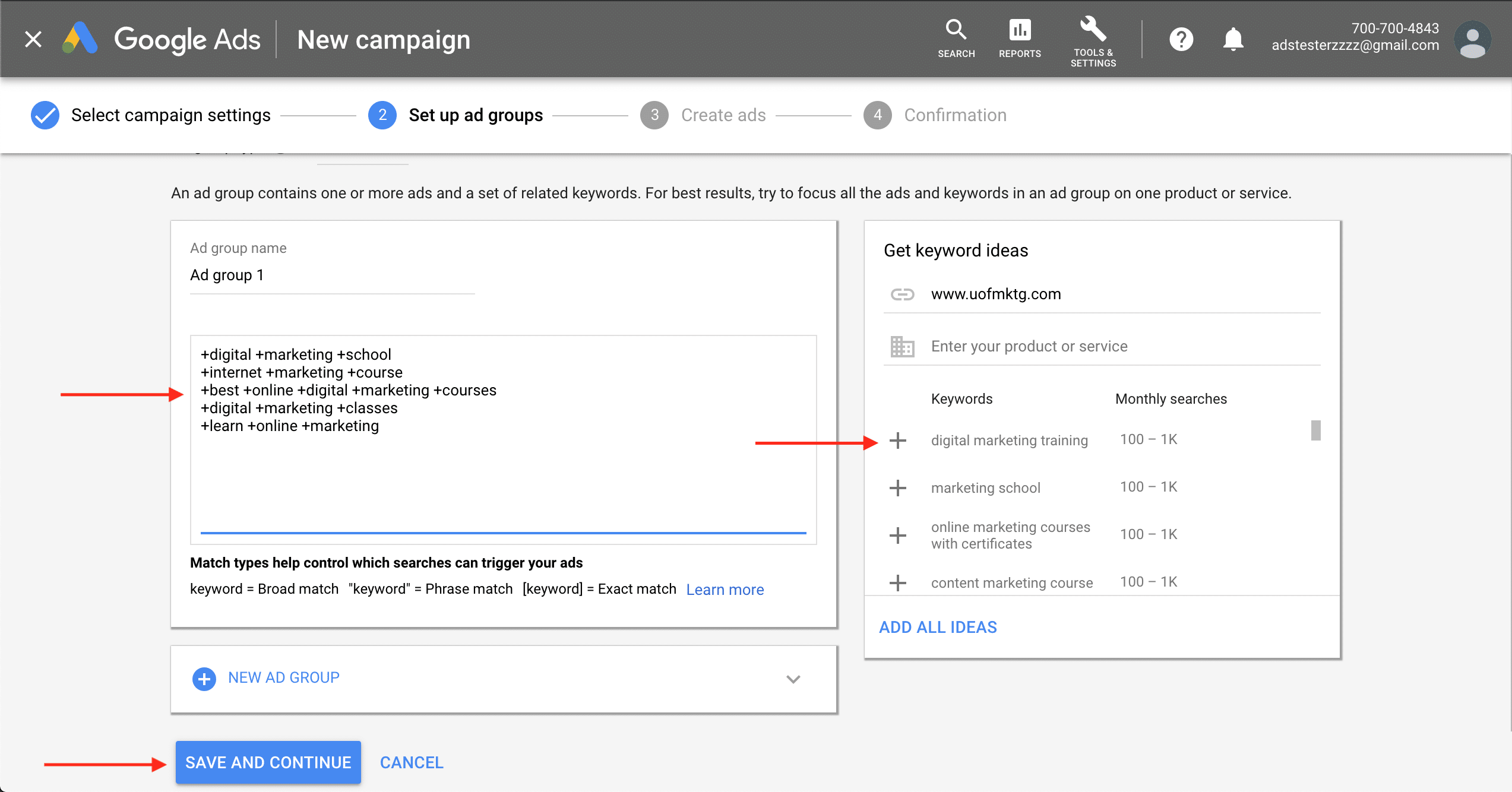
Next, you’ll set keyword targeting. Choose what are called transactional keywords. Some keywords indicate an informational search, but some are used to make a purchase. Look for modifying words— a product term (basketball shoes) with a modifier tells you someone is ready to buy (for sale). The University of Marketing uses terms like “digital marketing courses” instead of just “digital marketing.” You profit from buyers, and transactional keywords are you best chance to reach them. Select 5 – 10 or more before moving on.
Apply match types to your keyword targeting. Match types control which searches trigger your ads. See an explanation below, but we recommend starting with broad match modifier or phrase match.
– Broad Match: The default match type. Ads show on searches that include misspellings, synonyms, “related” searches, and slightly relevant variations. For the keyword hats, someone searching for winter accessories may see your ad. A keyword is broad match if it includes no symbols before or after.
– Broad Match Modifier: Shows ads in searches that include each word or close variations of them, in any order. Broad match modifier is the balance between the specificity of phrase match and impression volume of broad match. Denoted by plus signs, the keyword +lawn +mowing +service might show ads on a search for rates for services that cut your grass.
– Phrase Match: Ads may show on searches that match a phrase, or are close variations of that phrase, with additional words before or after. Phrase match is designated with quotation marks. The keyword “tennis shoes“ might show ads on a search for buy tennis shoes on sale.
– Exact Match: Ads may show on searches that match the exact term or are close variations of that exact term. Designated with brackets, the keyword [bathing suits] could show ads on searches for swimming suits.
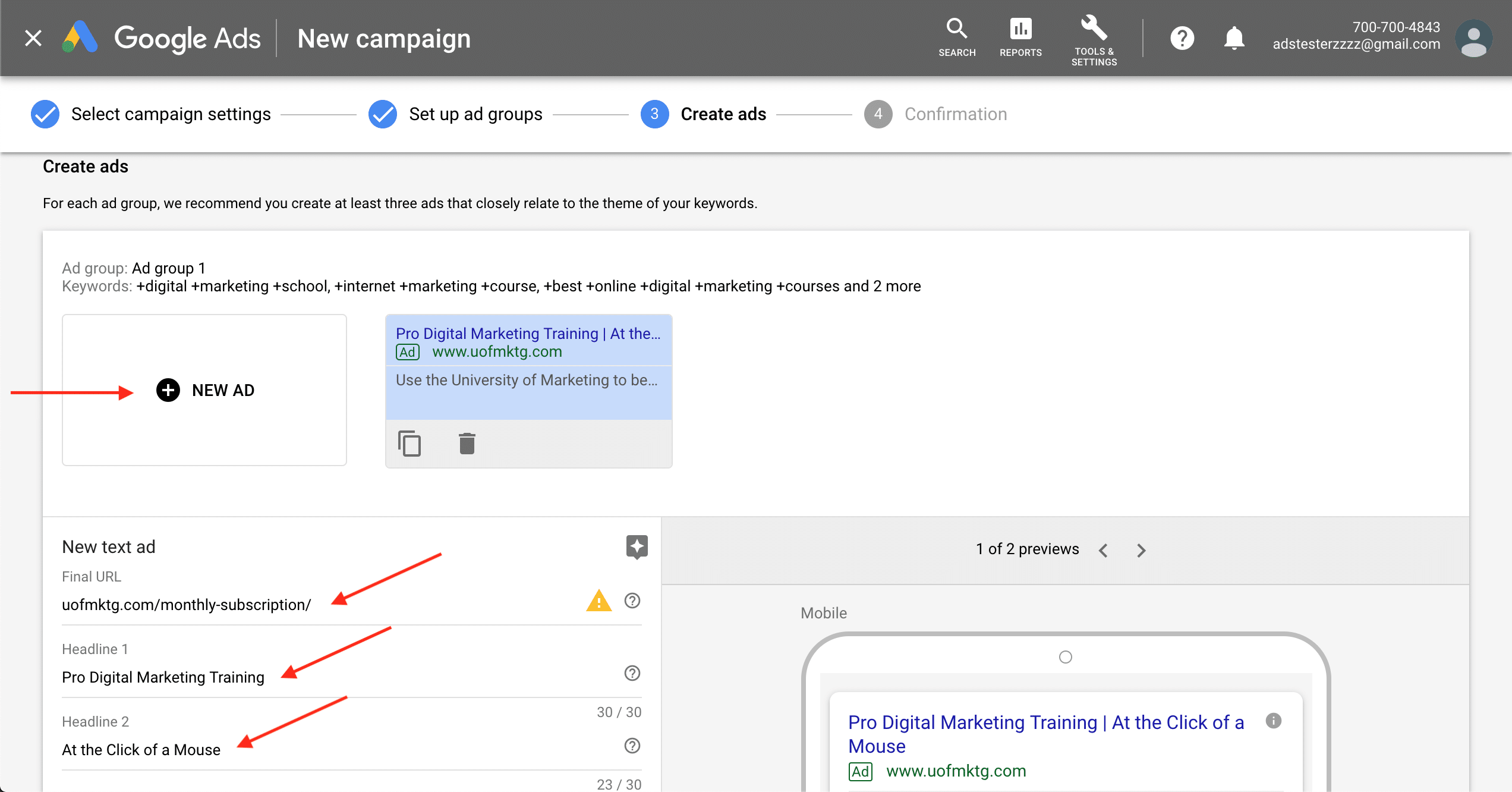
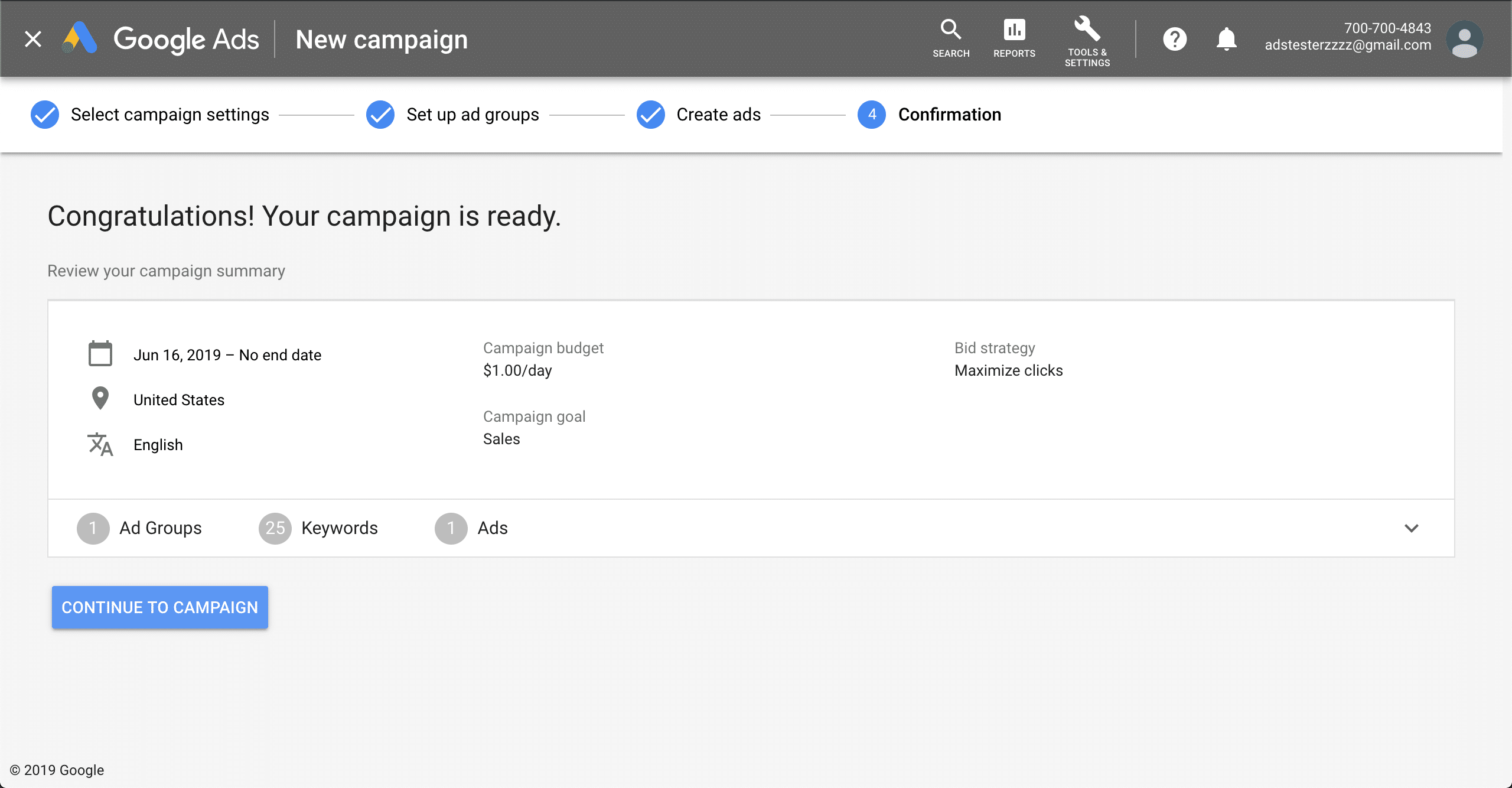
Once finished, write 5 – 6 ads for your campaign. Follow AIDA; draw attention in line 1, gain interest in 2, build desire with 3, and call them to action in the last. The best ads address pleasures or pains, benefits, features, or even serve as a wildcard with unusual phrasing. Also follow the best practices of Google Ads: put headlines in title case, include dynamic keyword insertion or the core keyword for your ad group in at least one of the headline fields, and include a strong call-to-action in the final description field that tells viewers what action to take (“click here to learn more” or “request a quote”). This is the last major step to your campaign, and you’ll be ready to start evaluating results in a few days after you save.